For coaches
How do I teach a play with Move?
Open Move, pick the runners, the hit and where it goes, and press Play. Every player moves to his spot, and Show jobs explains each one’s job.
-
Step 1: Open Move
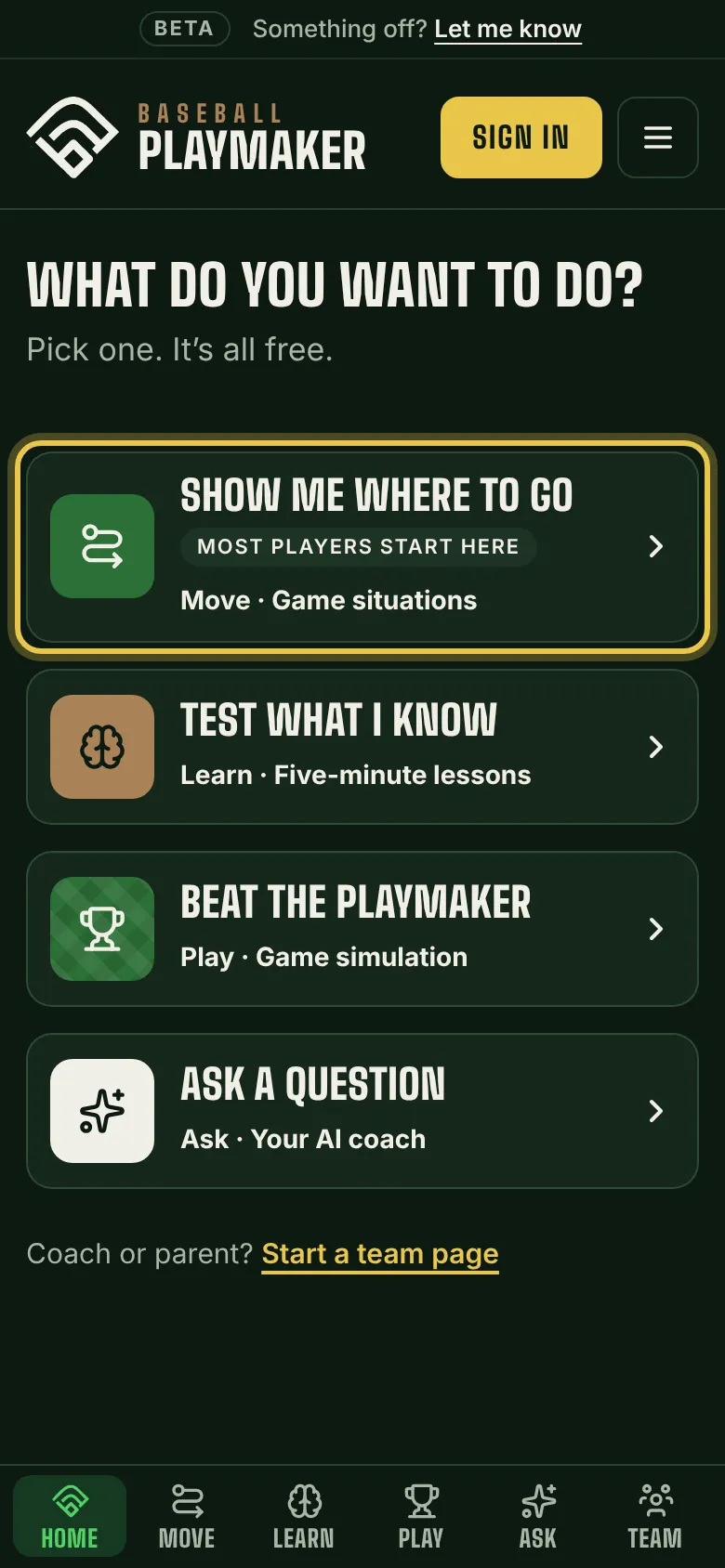
Tap Show me where to go on the start page, or Move in the bar at the bottom.
-
Step 2: Put the runners on
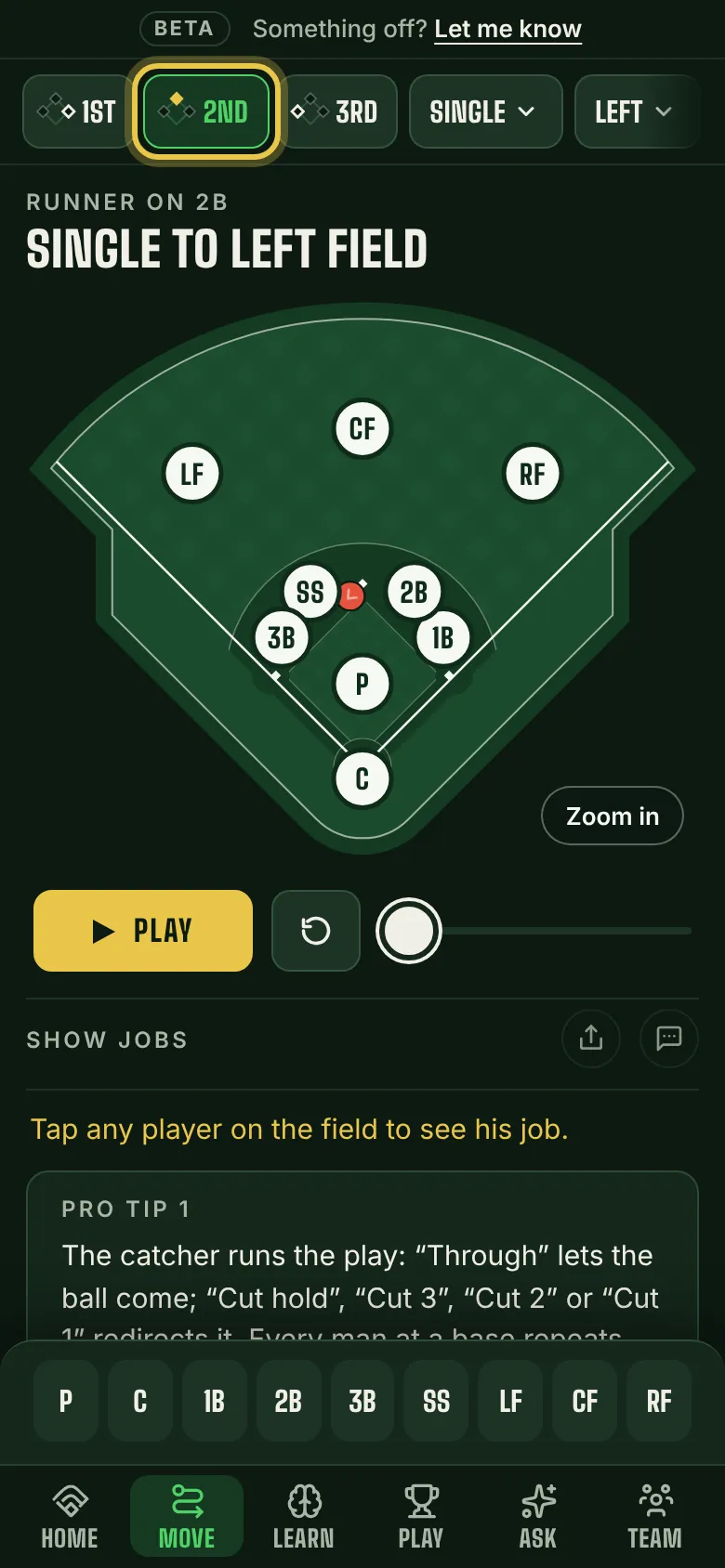
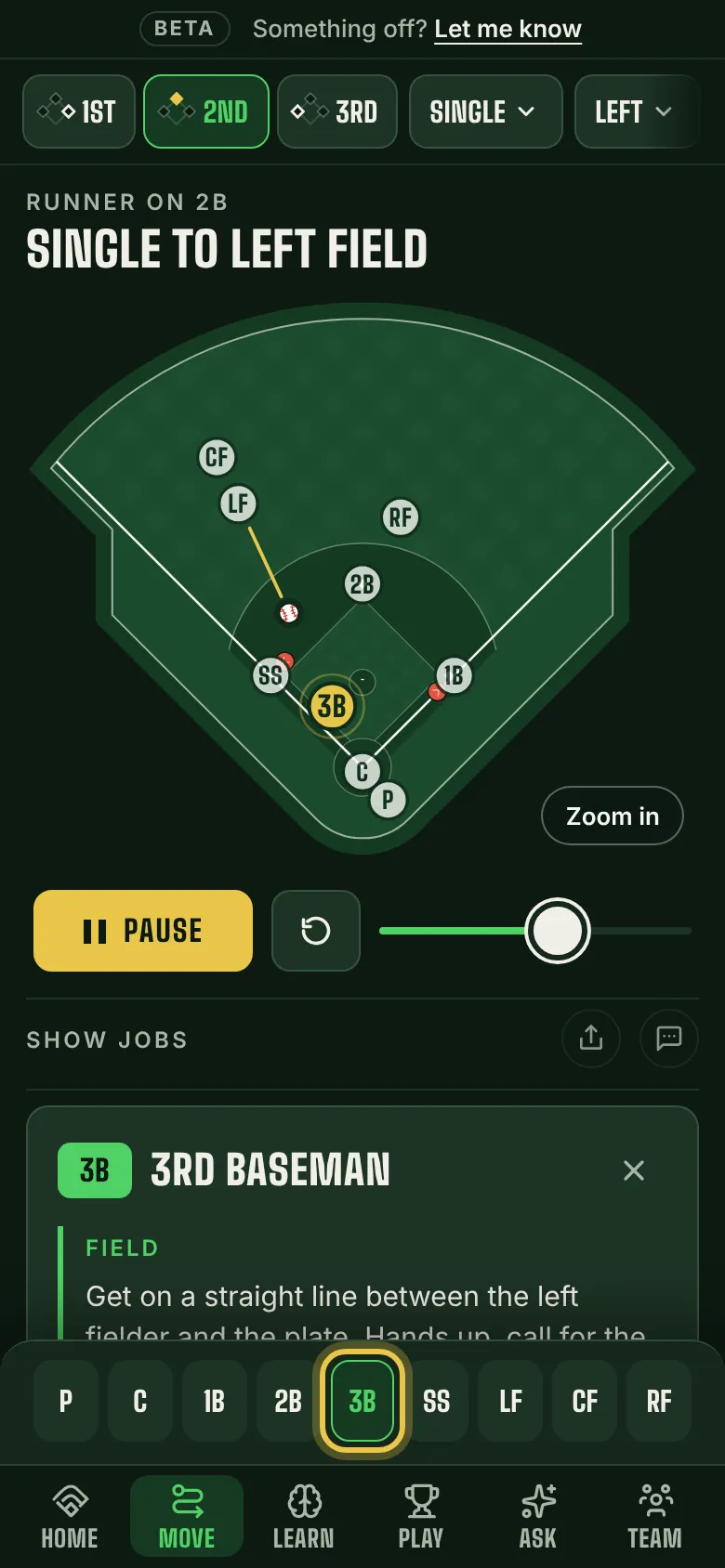
Tap the bases to put runners on 1st, 2nd and 3rd, in any combination. Here, a runner on second.
-
Step 3: Pick the hit and where it goes
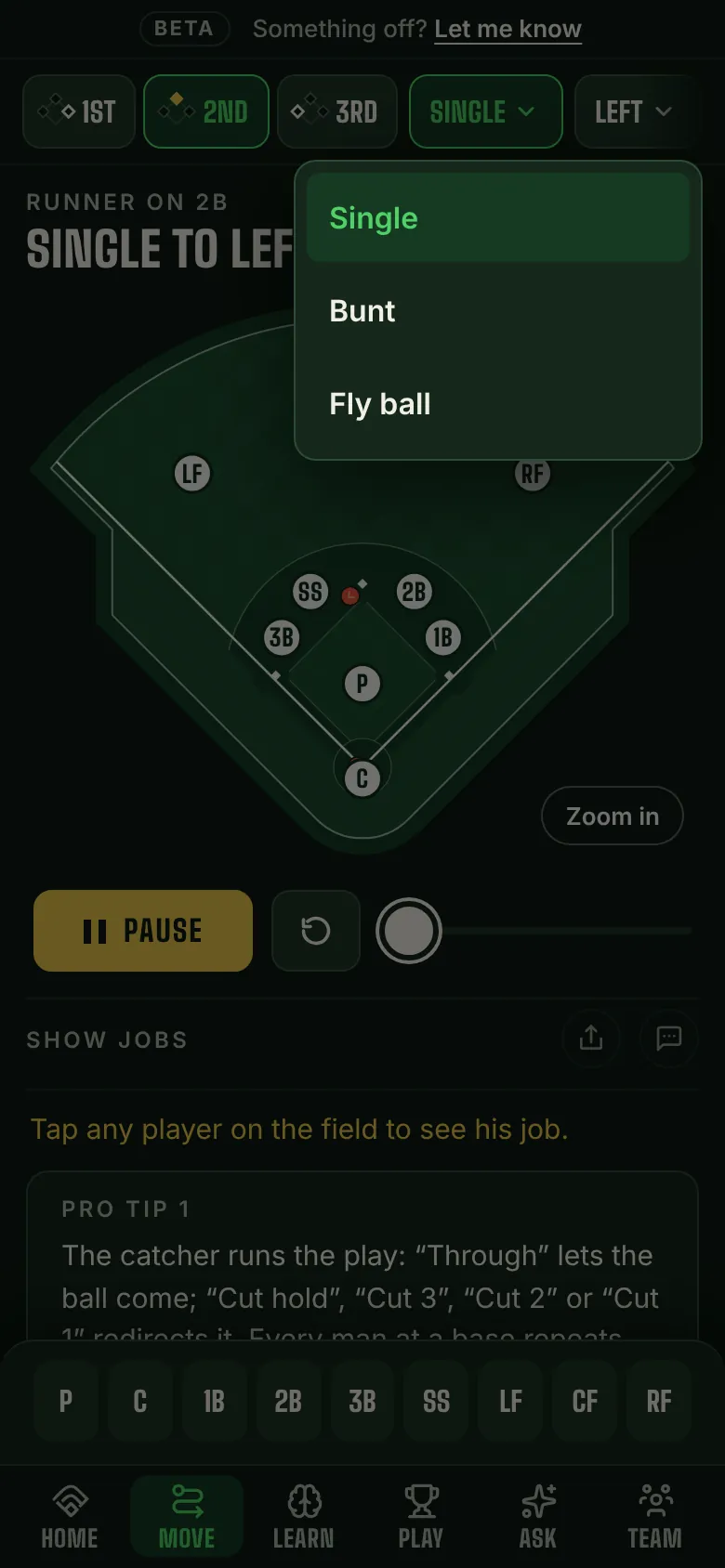
Choose a Single, a Double, a Fly ball or a Bunt, and the part of the field it goes to. The infield and outfield buttons move the defense (regular, in, double-play depth and more).
-
Step 4: Press Play
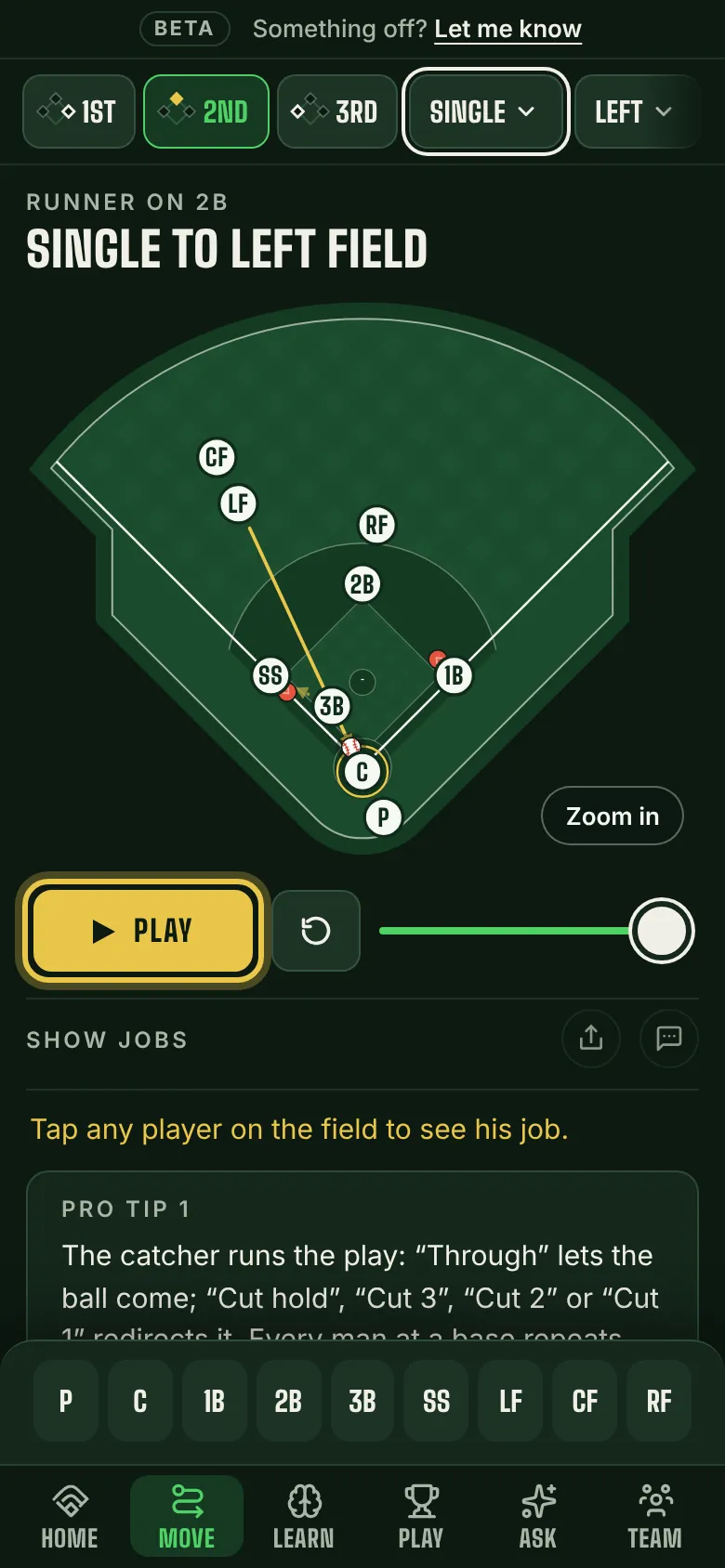
Every fielder moves to his job: the ball, the cutoff, the bags, the backups. The slider lets you stop on any moment and talk it through.
-
Step 5: Show each player’s job
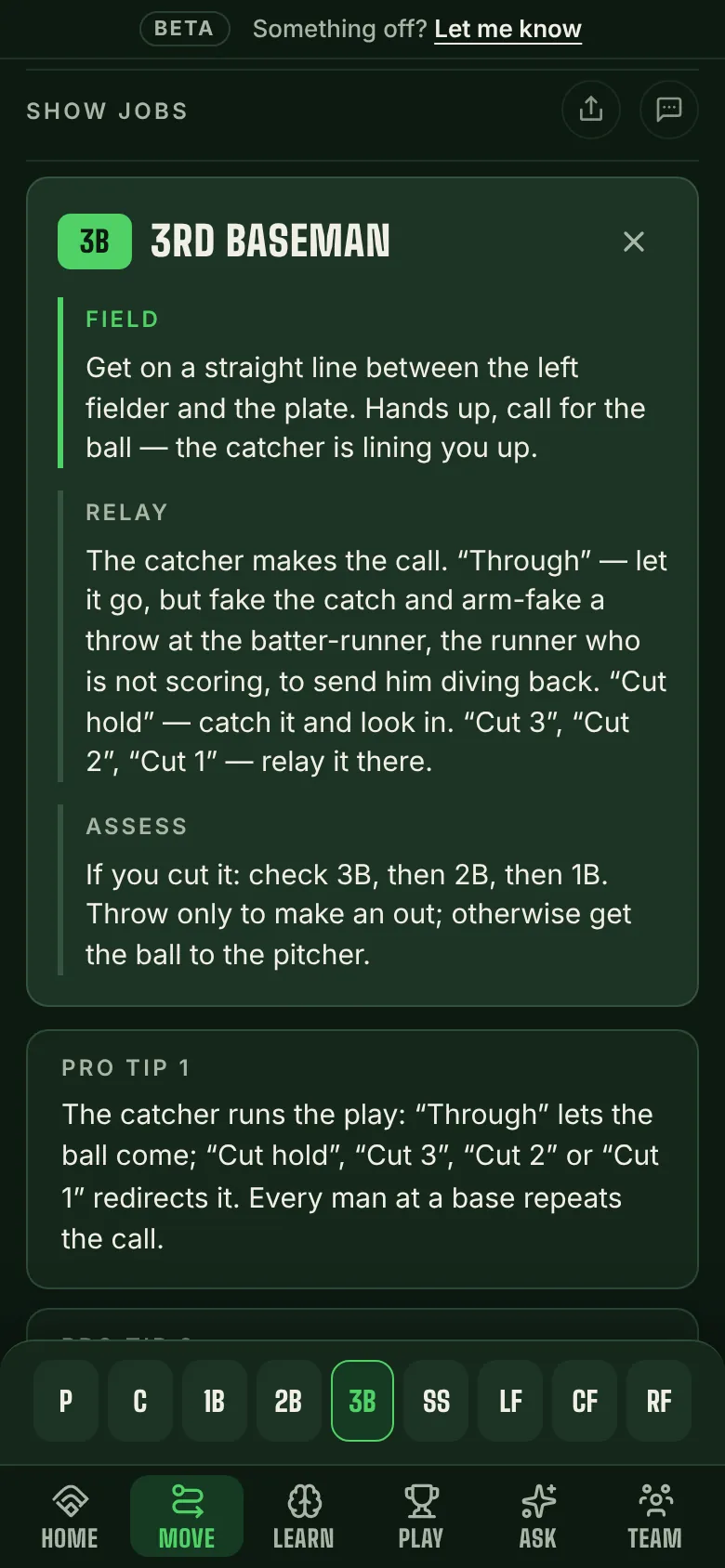
Tap a position under Show jobs, or a player on the field. He lights up, and his job is written out for each stage of the play: when the ball is hit, while it’s being relayed in, and once it’s back in the infield.
-
Step 6: Read the pro tips
Scroll down for the coaching points of the play: who makes the call, what the cutoff hears, and what most teams get wrong.
Good to know
- On a tablet at practice, put it on the dugout rail and run the play before you rep it.
- Your own version of a play shows here for your players once you save it. See Make a play your own.
Read more
More how-tos
- How do I make a play my own?In your team’s Playbook, tap Create a play, set the scene, and say what your team does differently. Playmaker redraws every changed job, and your players see your version.
- How do I learn where I go on every play?Open any play in Move, tap your position under Show jobs, and press Play. You light up on the field and your job is written out step by step.
- How do I assign work to my team before practice?On your team page, tap New task, pick what it is (a play, a lesson, a game, a question or a clip), set a due date and add a note. It goes on every player’s start page.