For players
How do I learn where I go on every play?
Open any play in Move, tap your position under Show jobs, and press Play. You light up on the field and your job is written out step by step.
-
Step 1: Pick the play
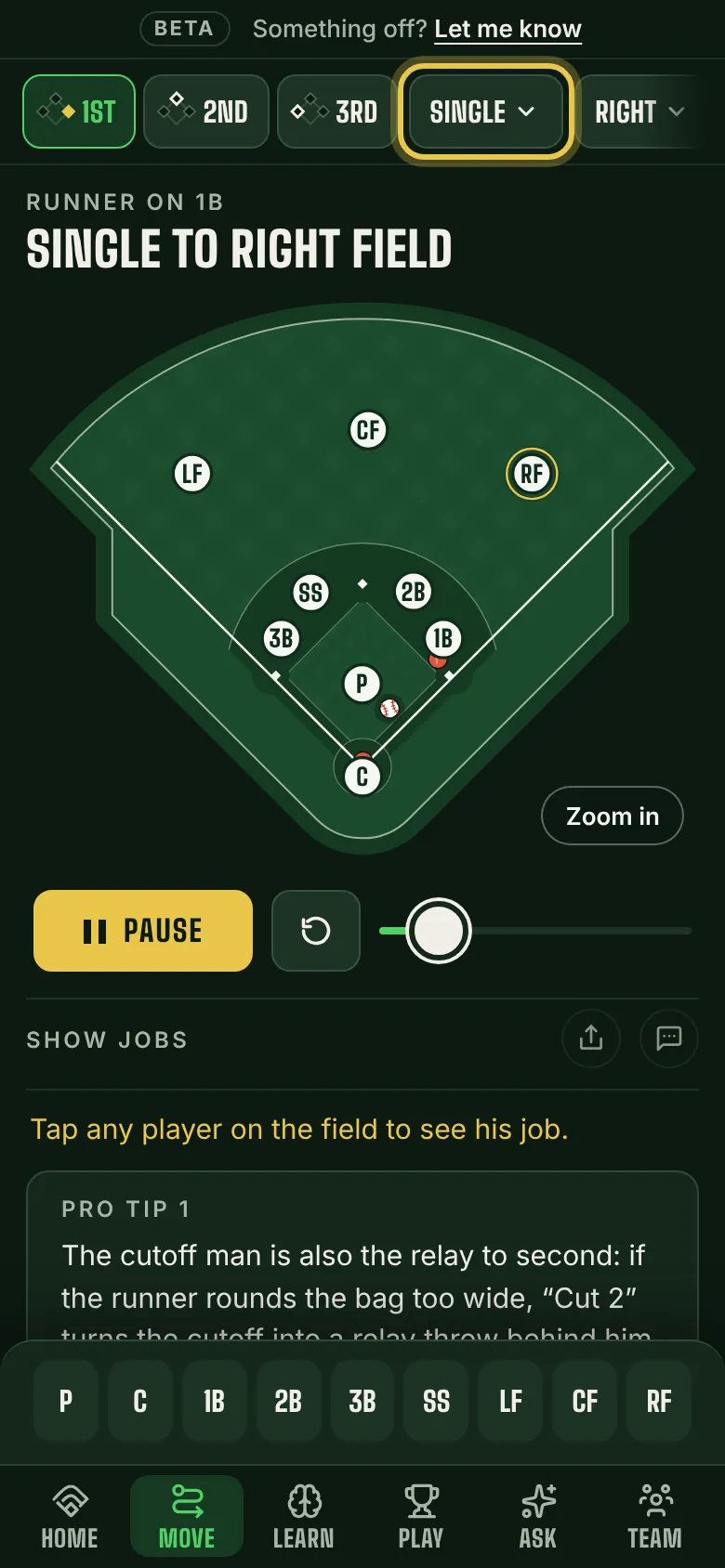
In Move, set the runners, the hit and where it goes. Here: a runner on first, single to right.
-
Step 2: Tap your position
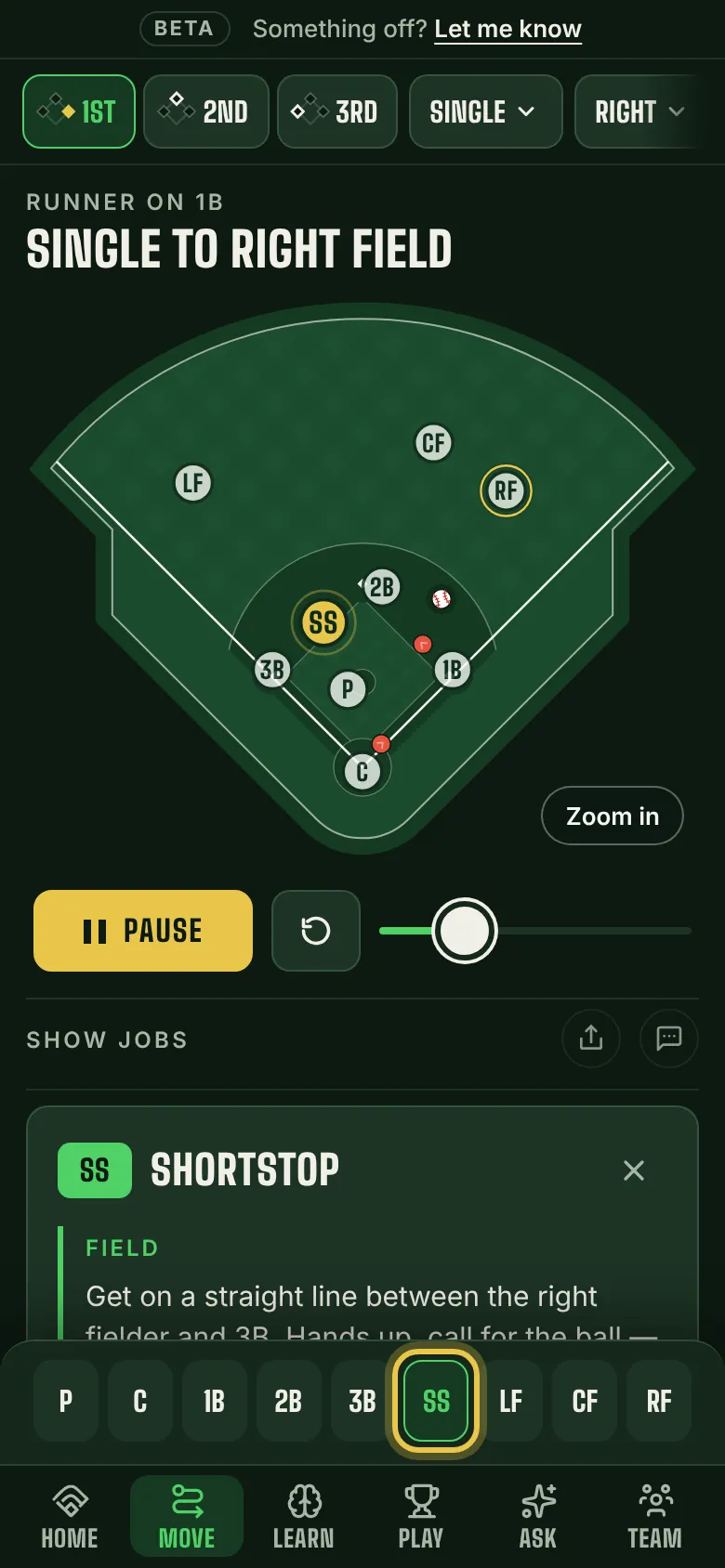
Under Show jobs, tap your position. You light up on the field and your job card opens.
-
Step 3: Watch it
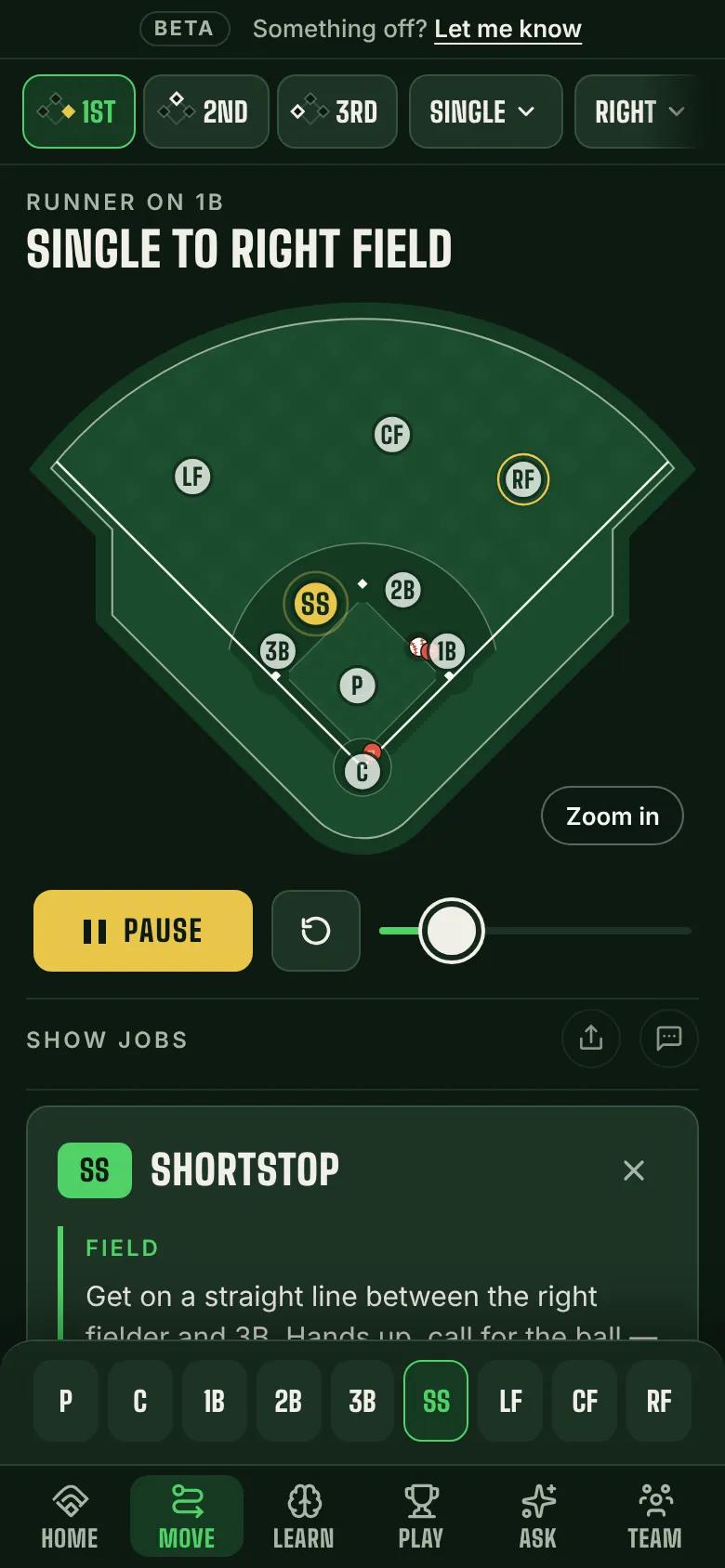
Press Play and follow yourself: where you go when the ball is hit, while it’s thrown in, and after.
-
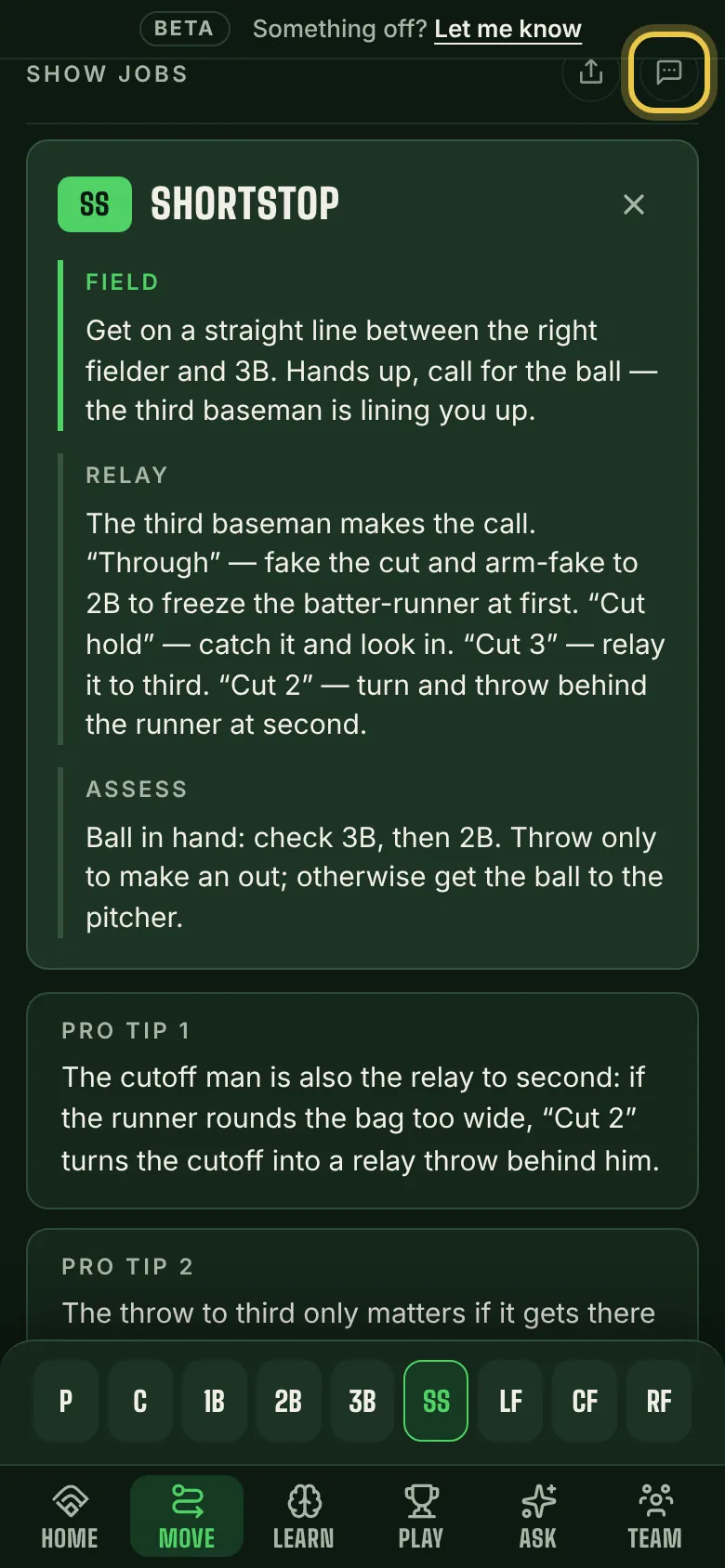
Step 4: Read your job
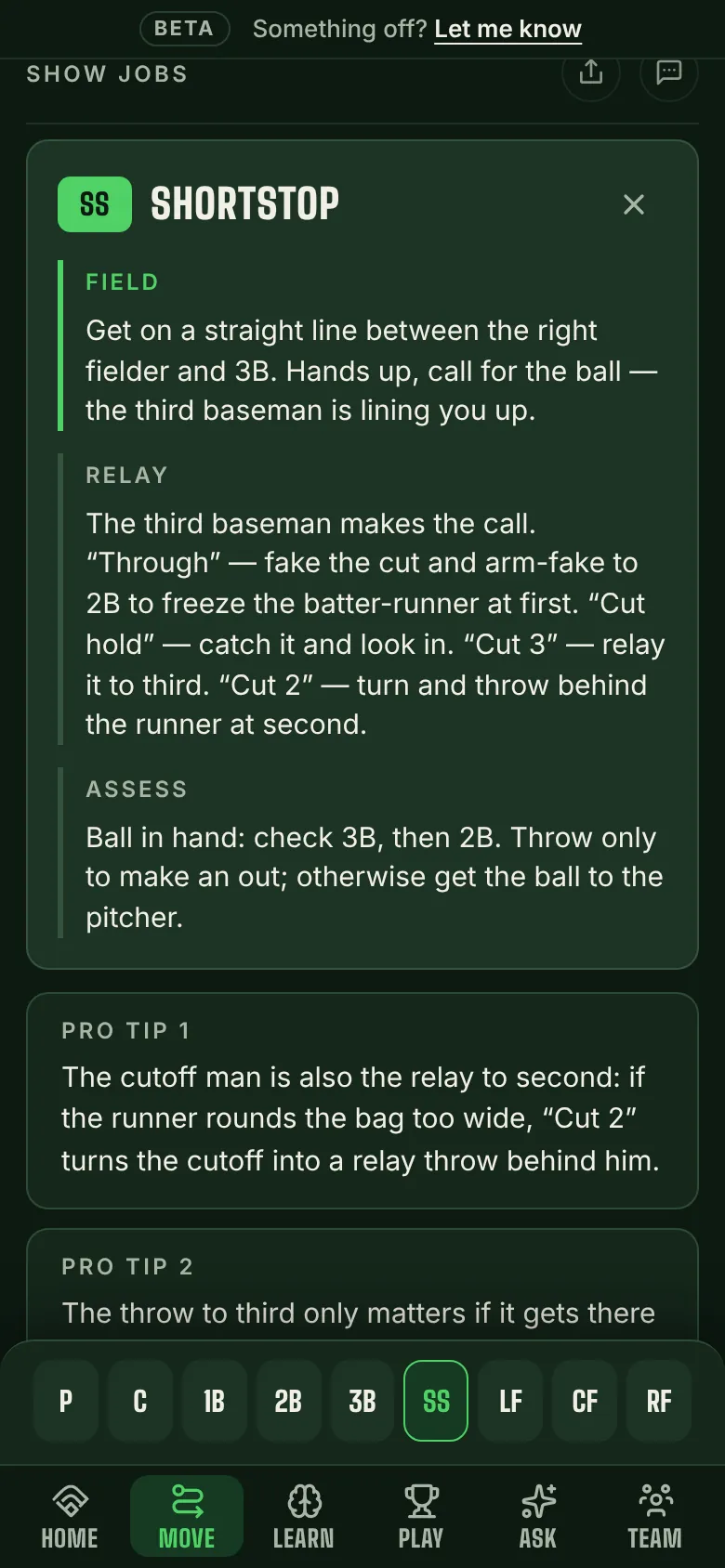
Your job is broken into three parts: Field (the ball is hit), Relay (the ball on its way in) and Assess (back in the infield). The pro tips under it are the play’s big coaching points.
-
Step 5: Disagree? Tell us
Your coach teaches it differently? Tap the speech bubble (Your take on this play) and tell us why. We read every one.
Good to know
- Learn every position, not just yours. Knowing where everyone else goes is how you know where you go.
- If your coach changed a play, you see his version.
Read more
More how-tos
- How do I learn who calls the fly ball?Open Fly ball in Move and tap anywhere on the field. The ball lands there, everyone who can reach it runs, and the one with priority takes it.
- How do Learn lessons and streaks work?Tap Start learning for today’s ten questions. Each answer tells you why, and finishing a lesson every day builds your streak.
- How do I play against the Playmaker?Open Play and tap Play ball. For three innings you make the call on every at-bat, and every call is graded Best, Fair or Wrong, with the reason why.