For players
How do Learn lessons and streaks work?
Tap Start learning for today’s ten questions. Each answer tells you why, and finishing a lesson every day builds your streak.
-
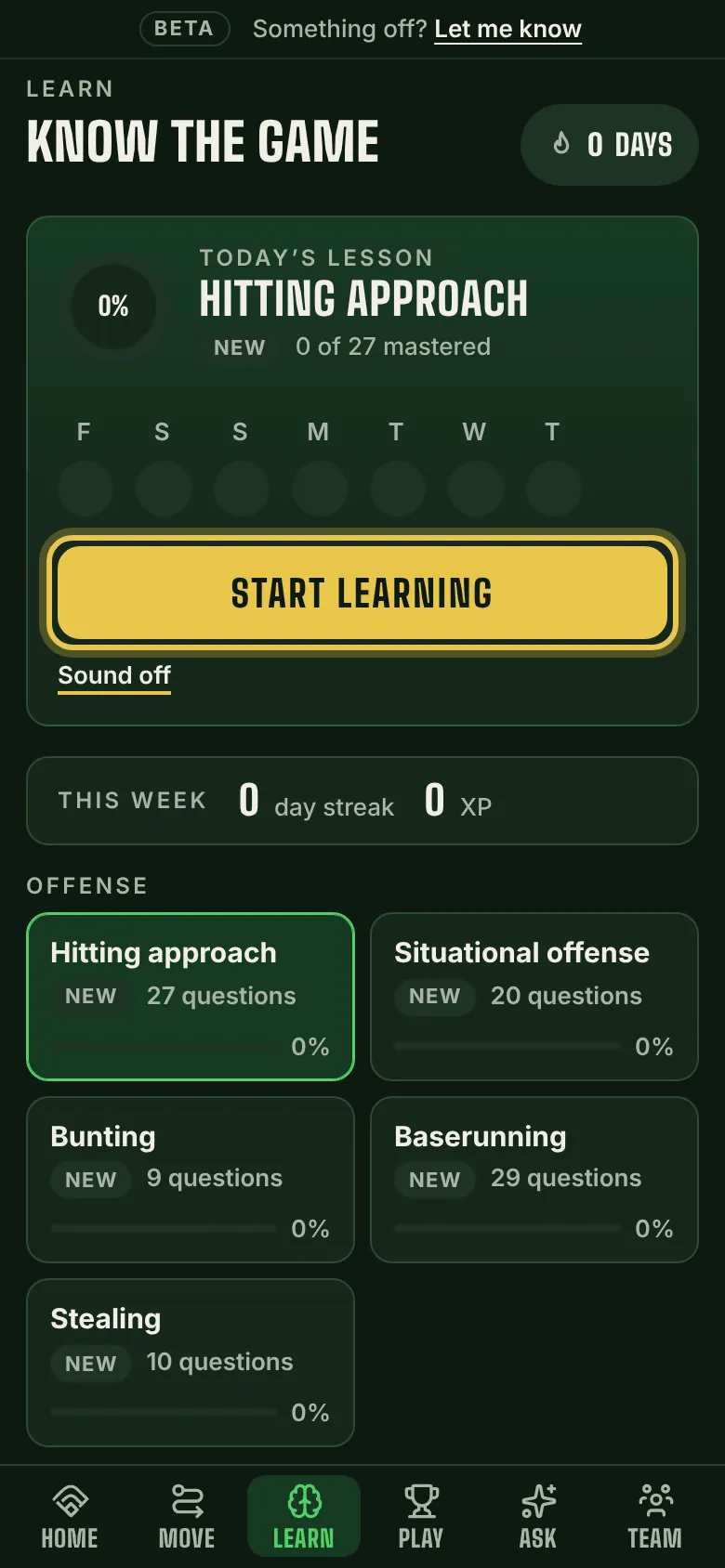
Step 1: Tap Start learning
Open Learn. Today’s lesson is at the top. Tap Start learning, or tap any topic to start that one.
-
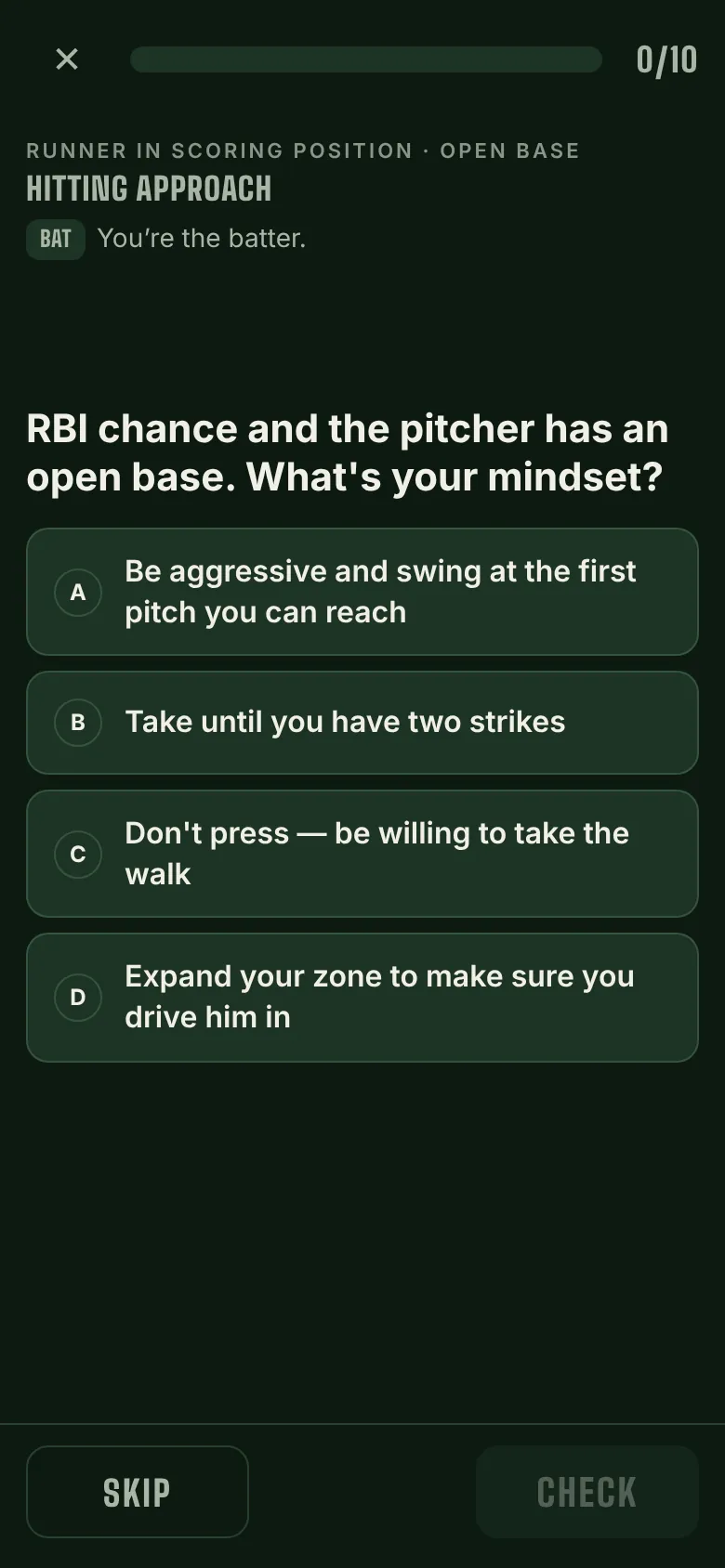
Step 2: Pick your answer
Read the situation, tap an answer, then Check.
-
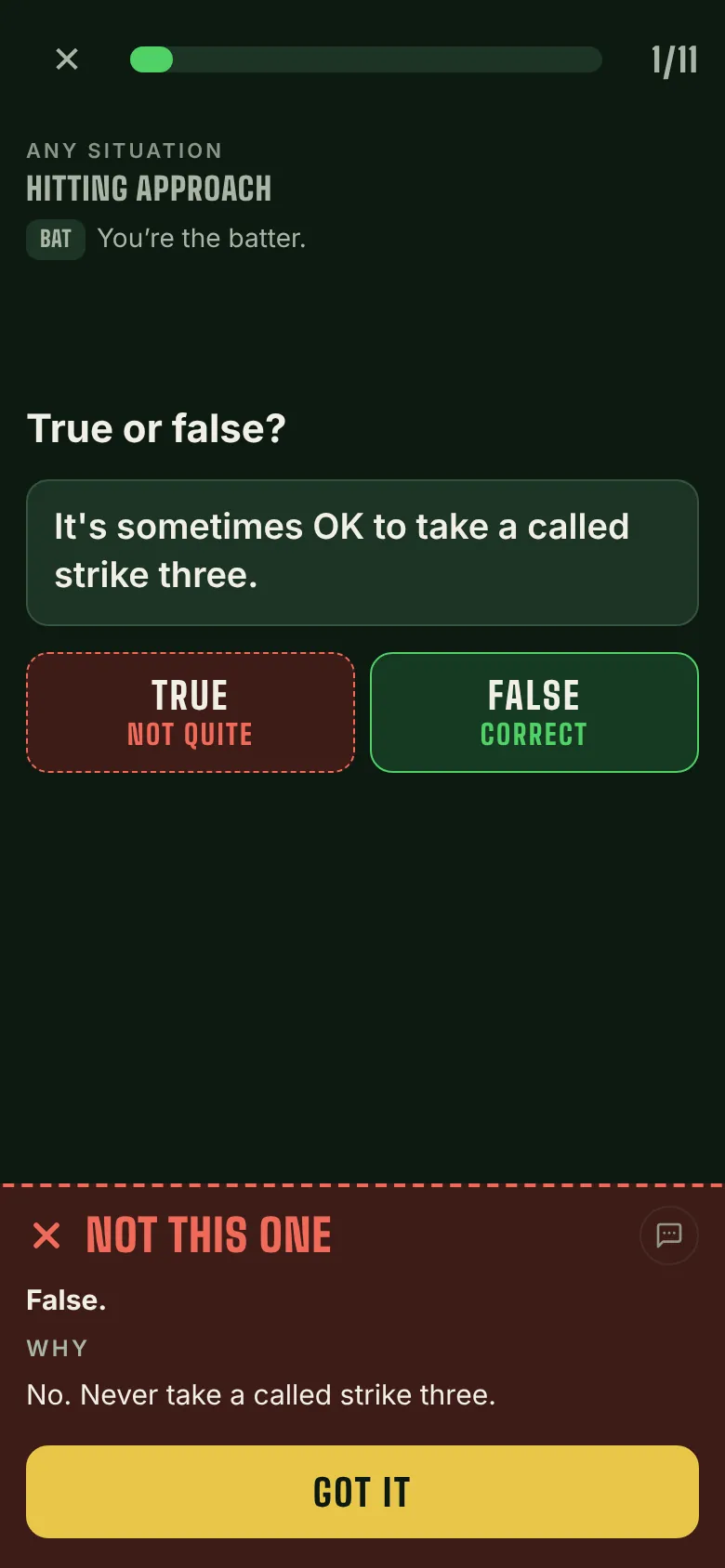
Step 3: Learn why
Right or wrong, you get the reason. A question you miss comes back later in the lesson.
-
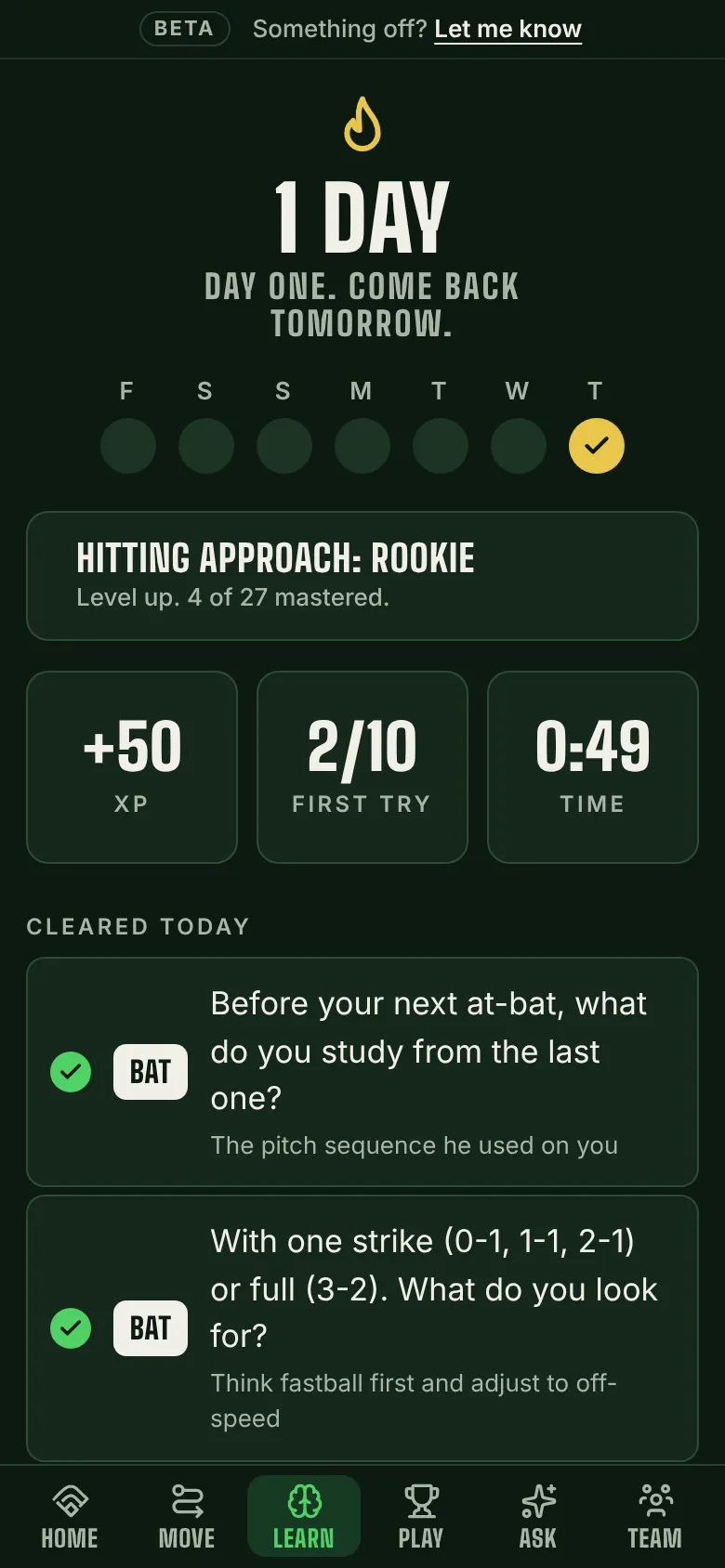
Step 4: Finish and keep your streak
Finish the lesson to add a day to your streak and earn XP for the week. Level up a topic as you master it: New, Rookie, JV, Varsity, Captain.
Good to know
- A lesson takes about five minutes.
- XP counts for the week and resets on Monday, so everyone starts even.
Read more
More how-tos
- How do I review the questions I missed?After a lesson, Learn shows Review your misses. Tap Review to go through every question you missed last time, and level up each topic from New to Captain.
- How do I play against the Playmaker?Open Play and tap Play ball. For three innings you make the call on every at-bat, and every call is graded Best, Fair or Wrong, with the reason why.
- How do I ask the Playmaker a baseball question?Open Ask and type a question the way you’d ask a coach: a rule, a play or what to do. You get an answer in plain words, often with a video and the play itself.
Completely free
Start today’s lesson
Works in any phone or computer browser. Nothing to install.