For players
How do I review the questions I missed?
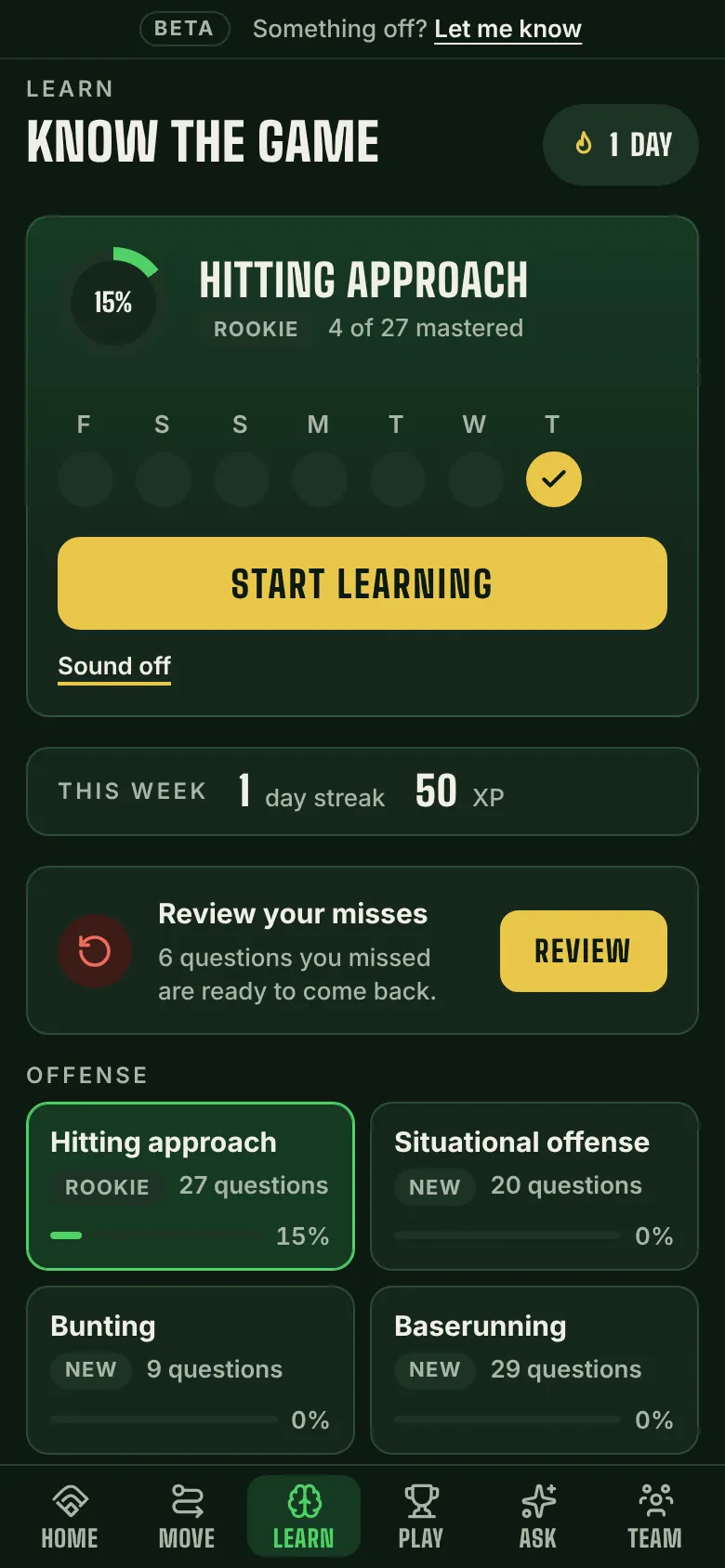
After a lesson, Learn shows Review your misses. Tap Review to go through every question you missed last time, and level up each topic from New to Captain.
-
Step 1: Tap Review
On Learn, Review your misses shows how many questions are waiting. Tap Review for a lesson of up to ten of them.
-
Step 2: Pick a topic to level up
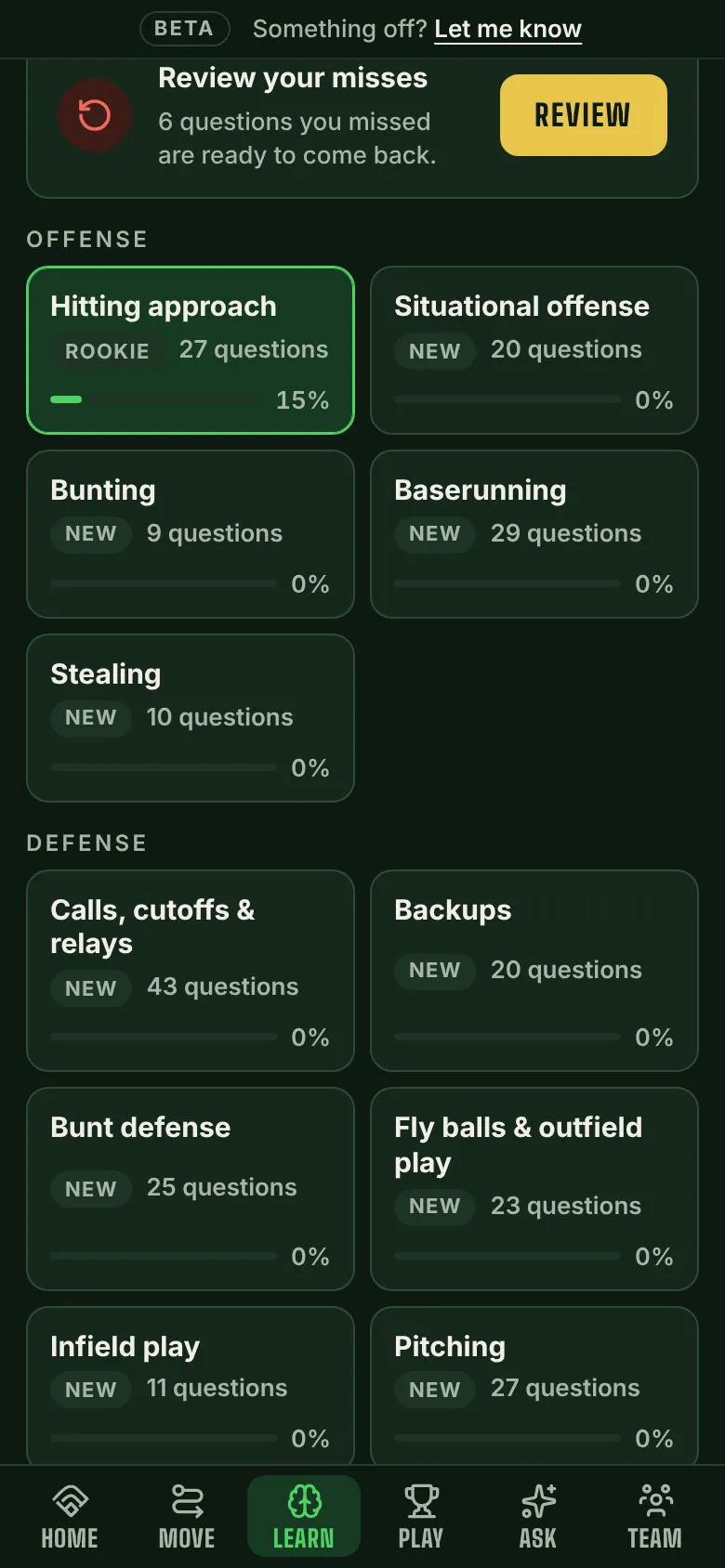
Every topic shows your level and how much of it you’ve mastered. Tap one to start a lesson on just that topic.
-
Step 3: Work toward Captain
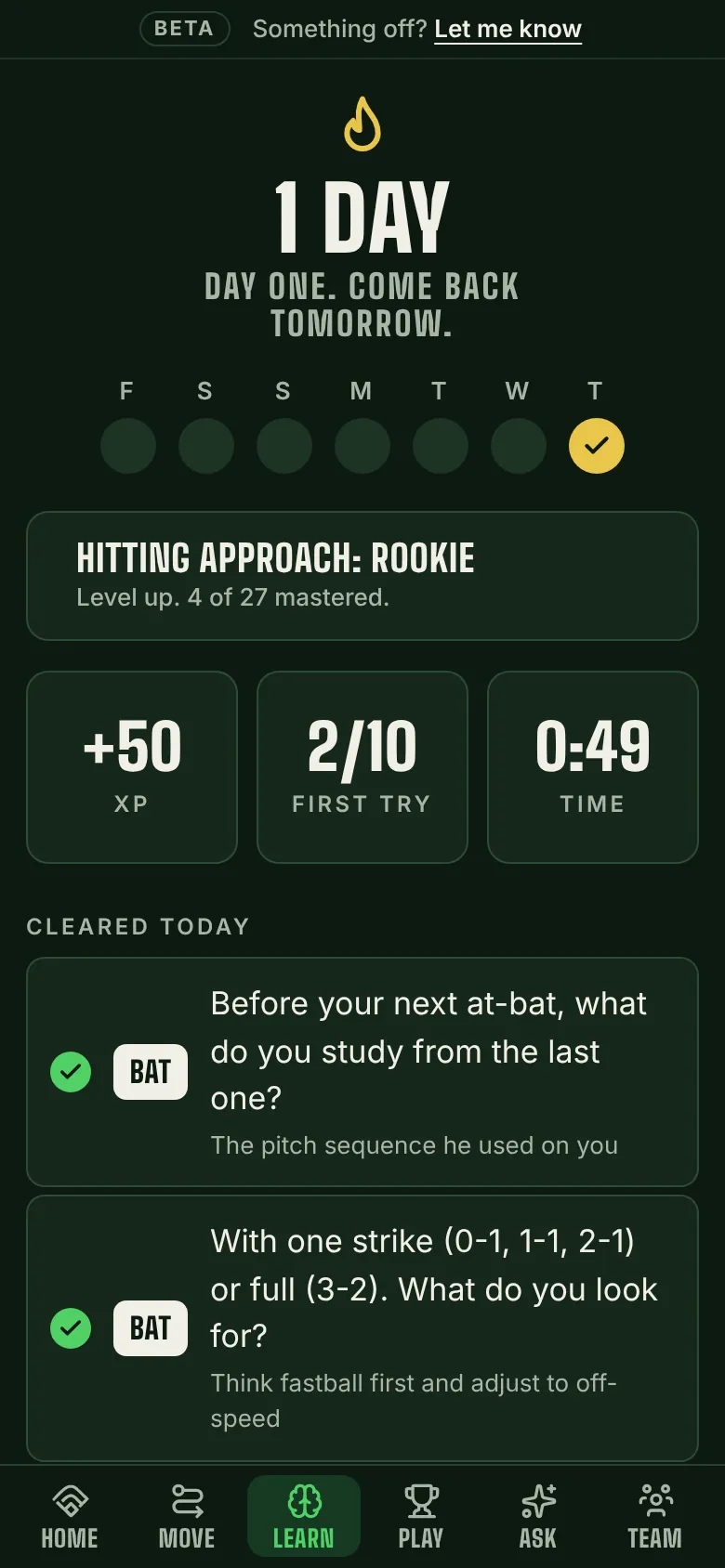
Levels go New, Rookie, JV, Varsity, Captain, based on how many you got right last time. A lesson that moves you up ends with a level-up card.
Good to know
- Your coach may assign a topic. It shows under From your coach.
Read more
More how-tos
- How do Learn lessons and streaks work?Tap Start learning for today’s ten questions. Each answer tells you why, and finishing a lesson every day builds your streak.
- How do I play against the Playmaker?Open Play and tap Play ball. For three innings you make the call on every at-bat, and every call is graded Best, Fair or Wrong, with the reason why.
- How do I see what my team gets wrong?Your team page shows the Learn questions your players miss most and when each player was last active. Tap Assign it to turn a miss into this week’s lesson.