For coaches
How do I see what my team gets wrong?
Your team page shows the Learn questions your players miss most and when each player was last active. Tap Assign it to turn a miss into this week’s lesson.
-
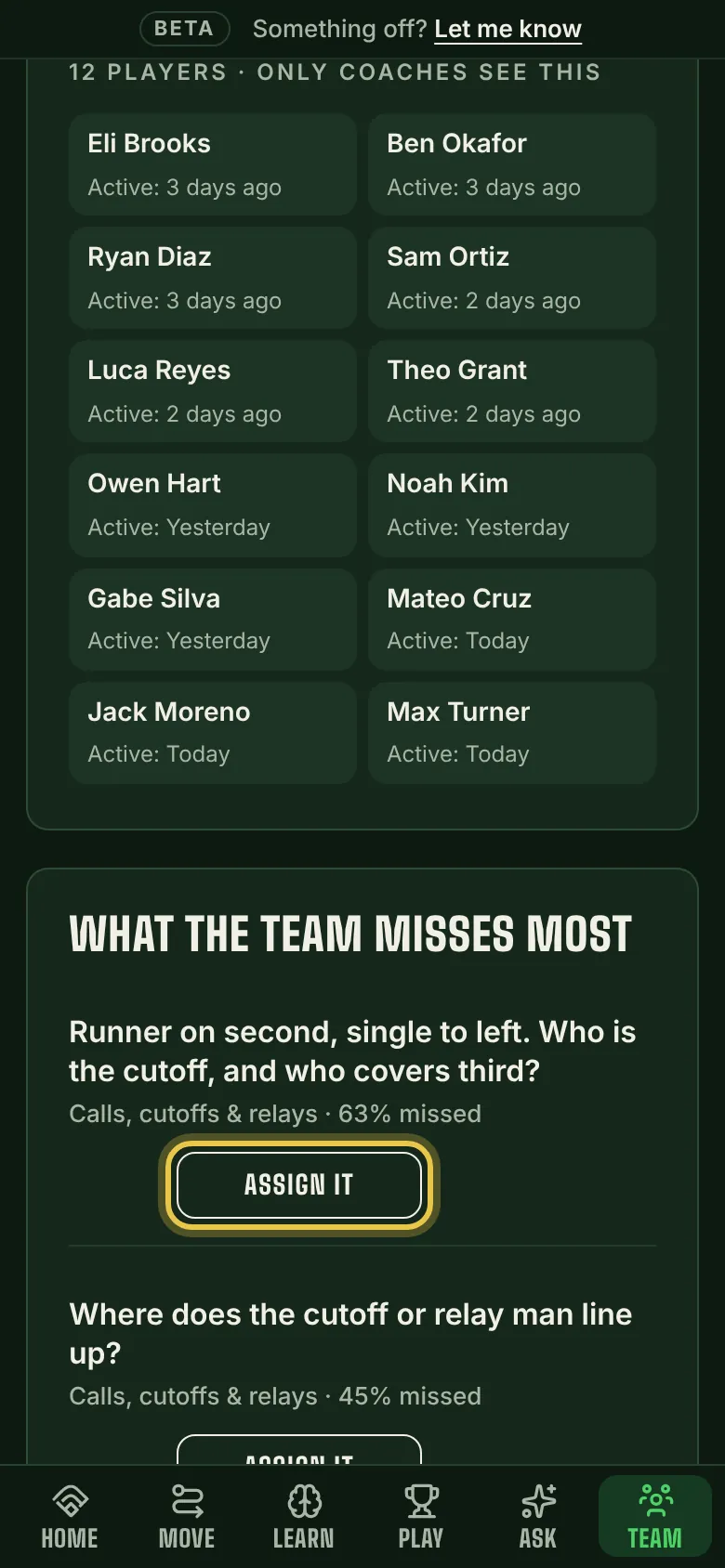
Step 1: Find What the team misses most
On your team page, scroll to What the team misses most: the three Learn questions your players get wrong most, with how often they miss them.
-
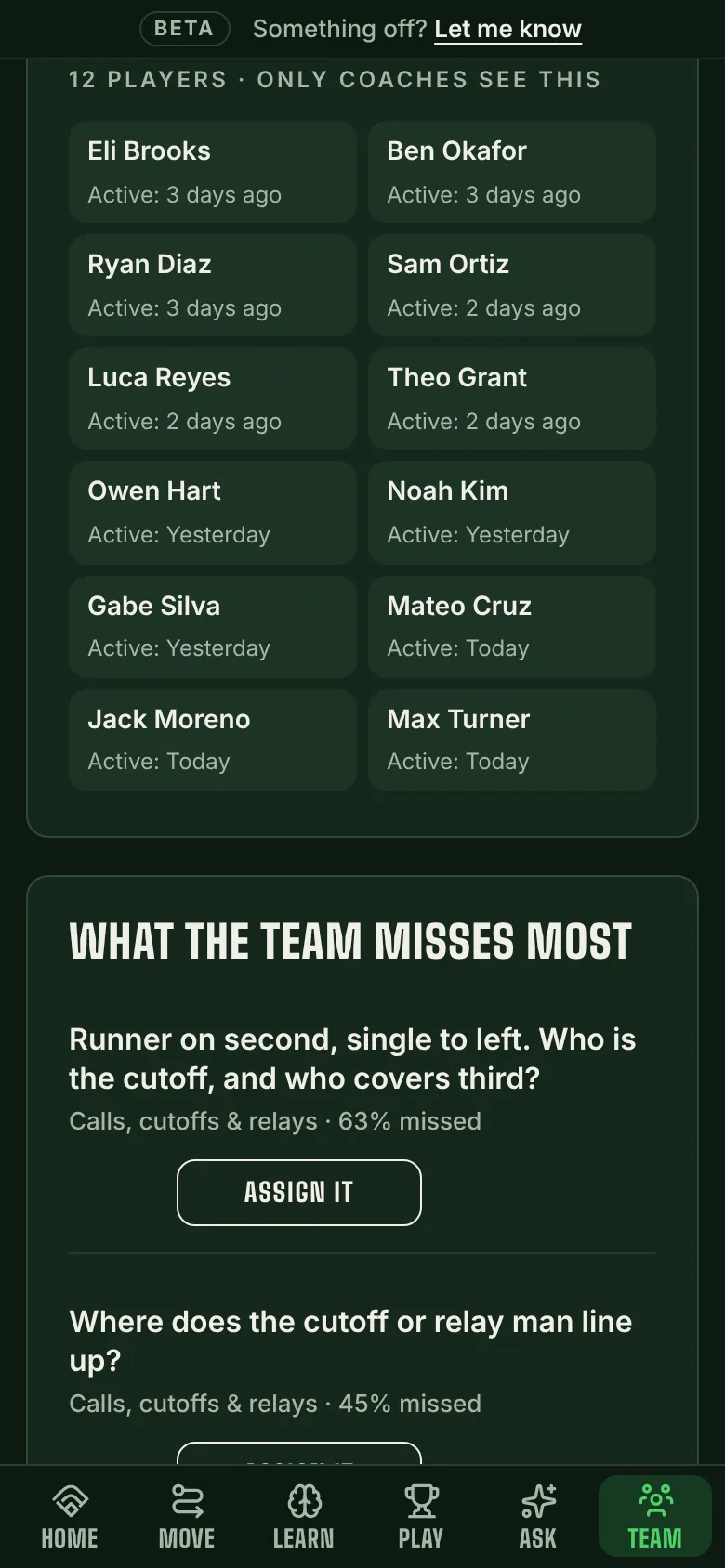
Step 2: See who’s been practicing
Who’s done what shows when each player was last active. Only coaches see this.
-
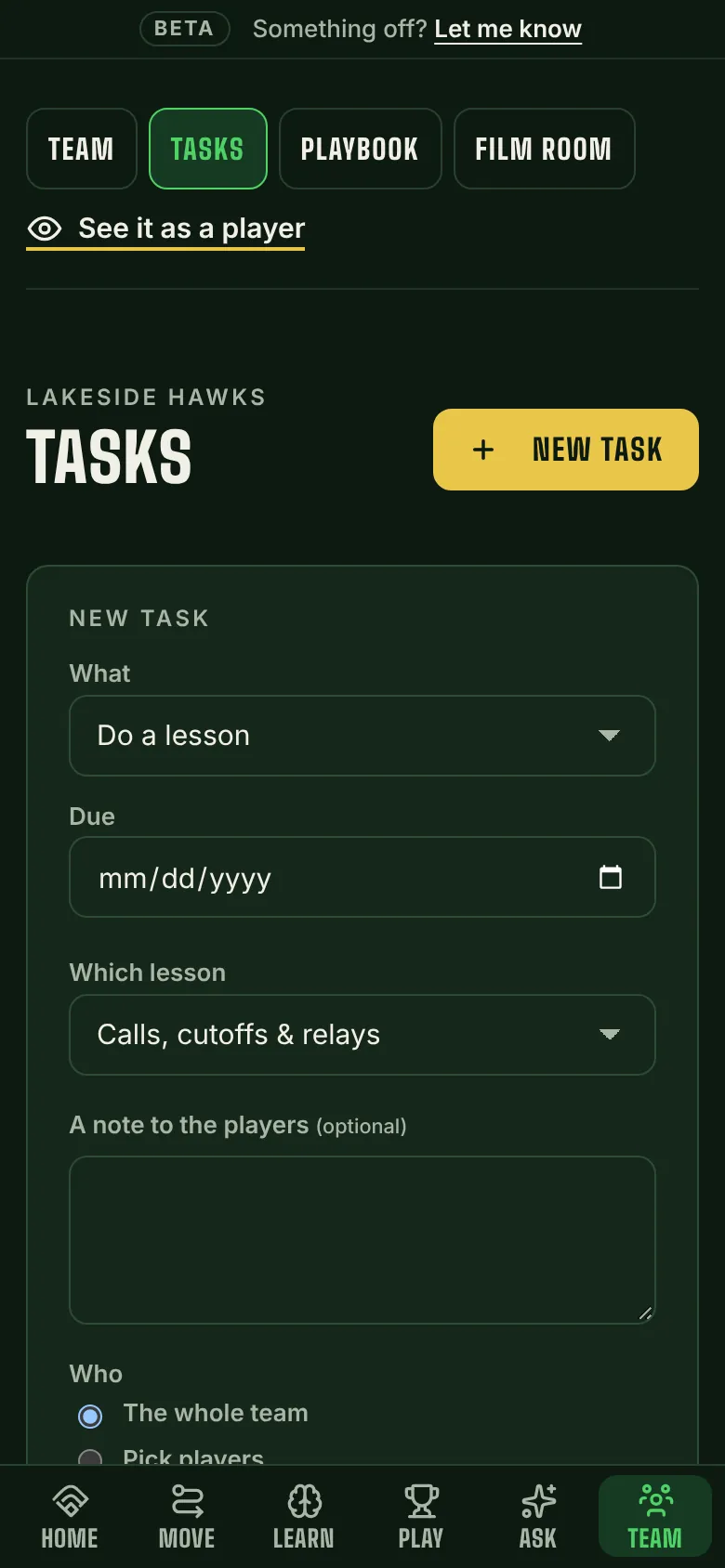
Step 3: Assign it
Tap Assign it under a question. A new task opens with that lesson already picked. Set the due date and tap Assign.
Good to know
- A question shows up once at least two players have answered it a few times.
Read more
More how-tos
- How do I assign work to my team before practice?On your team page, tap New task, pick what it is (a play, a lesson, a game, a question or a clip), set a due date and add a note. It goes on every player’s start page.
- How do I see who did their homework?Open Tasks on your team page. Each task shows how many players have done it, who they are, and a Remind the rest button that emails everyone who hasn’t.
- How do I review the questions I missed?After a lesson, Learn shows Review your misses. Tap Review to go through every question you missed last time, and level up each topic from New to Captain.
Completely free
Open your team page
Works in any phone or computer browser. Nothing to install.