For players
How do I make a Baseball Playmaker account?
Tap Sign in, then New account, and enter your name and email. Type the 6-digit code we email you, then tell us you’re a player and your birth month and year.
-
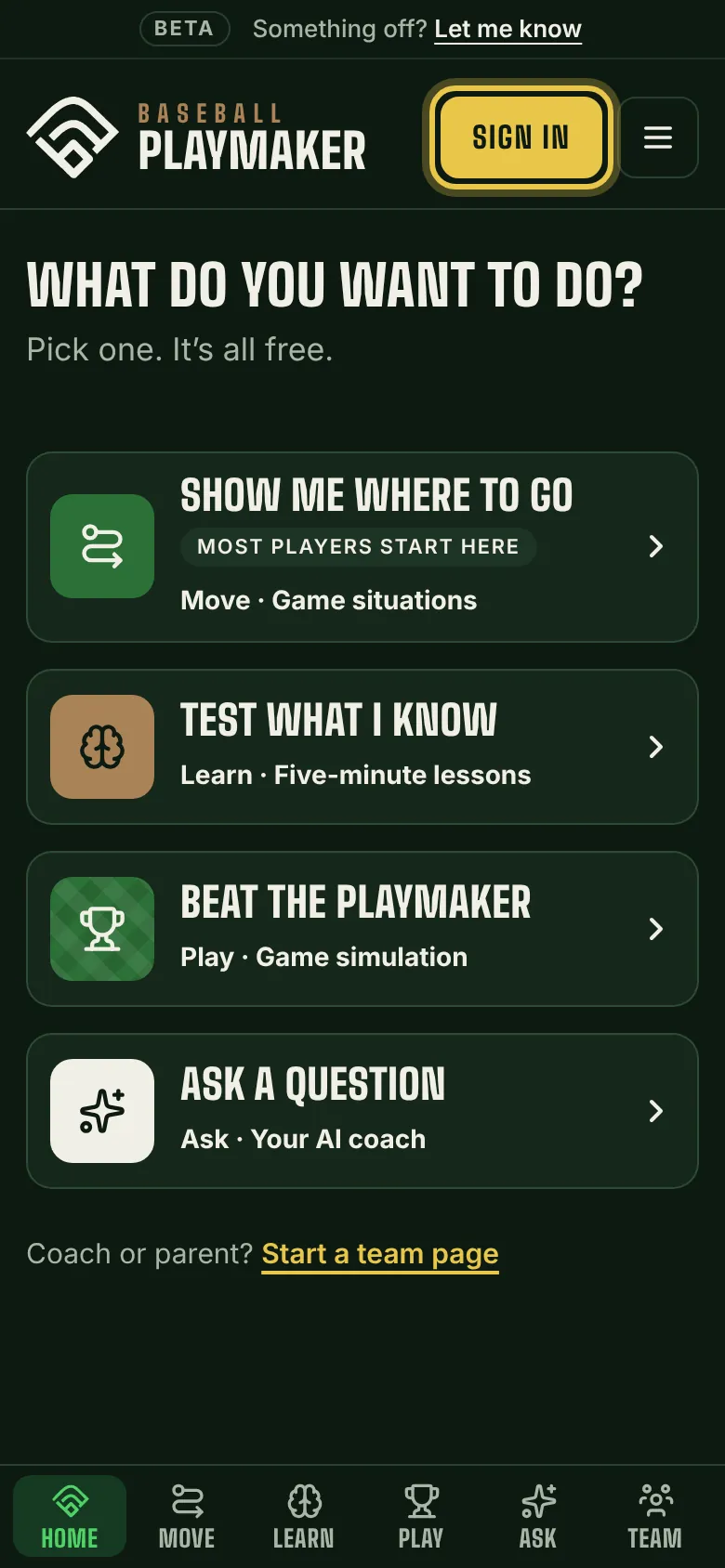
Step 1: Tap Sign in
Tap Sign in at the top of the app.
-
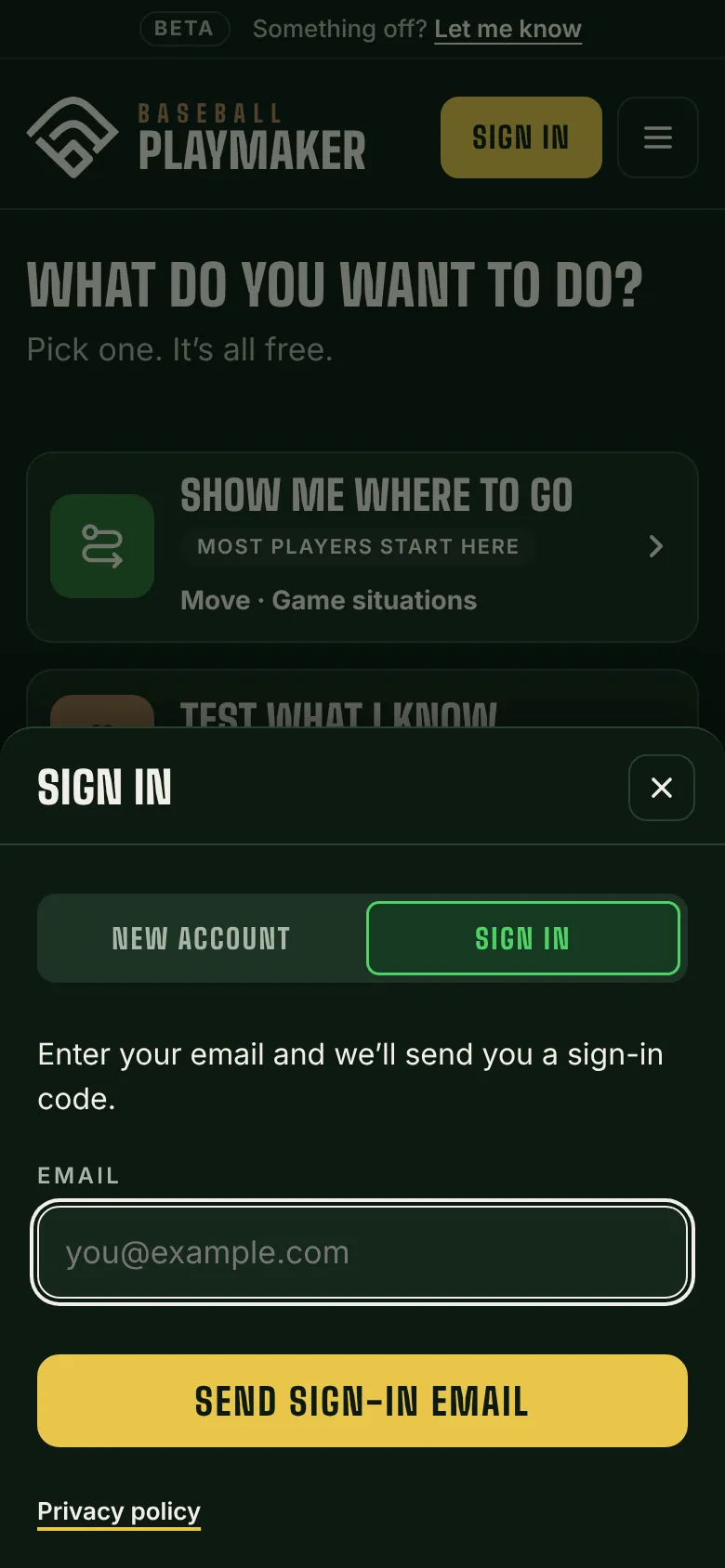
Step 2: Choose New account
Tap New account. If you already have one, enter your email and tap Send sign-in email.
-
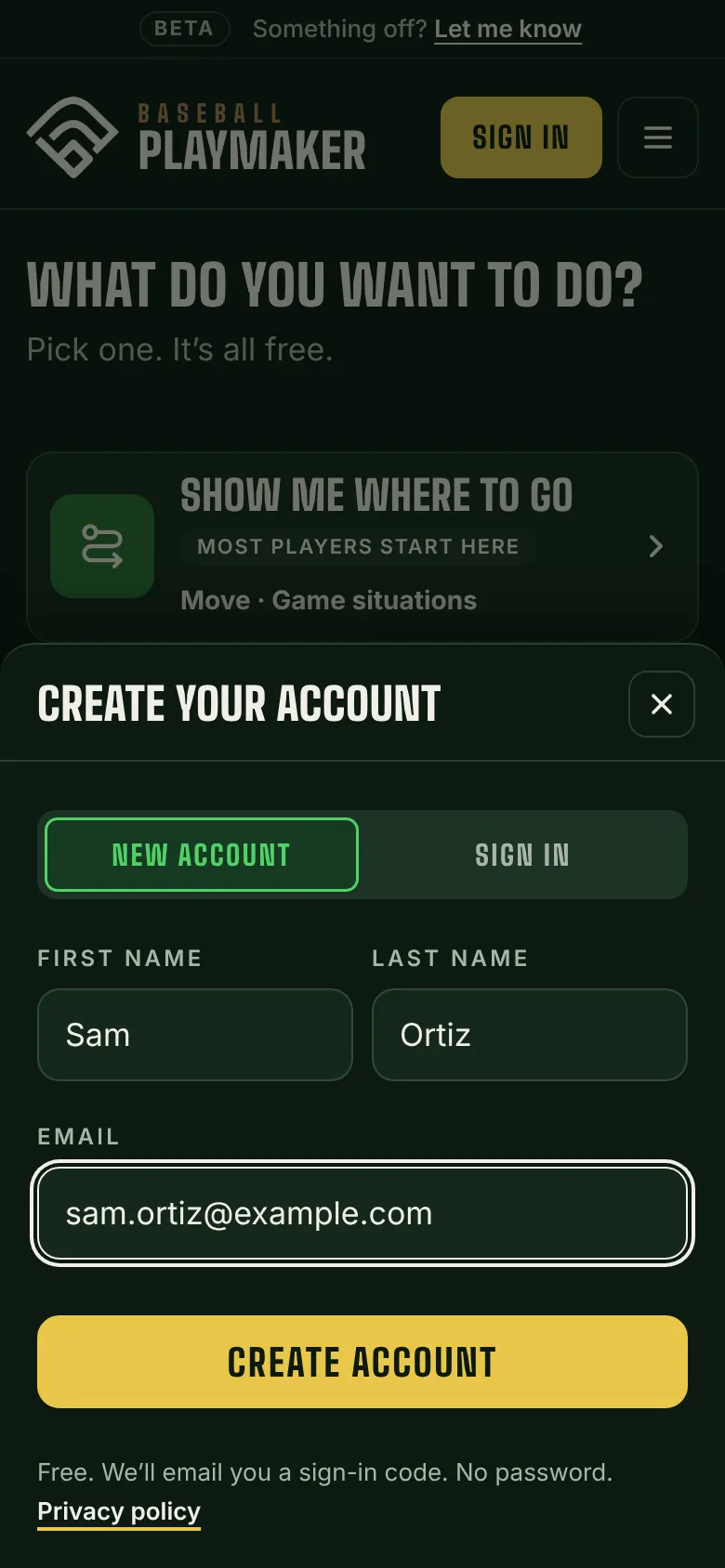
Step 3: Enter your name and email
Your first name, last name and email. That’s all. Tap Create account.
-
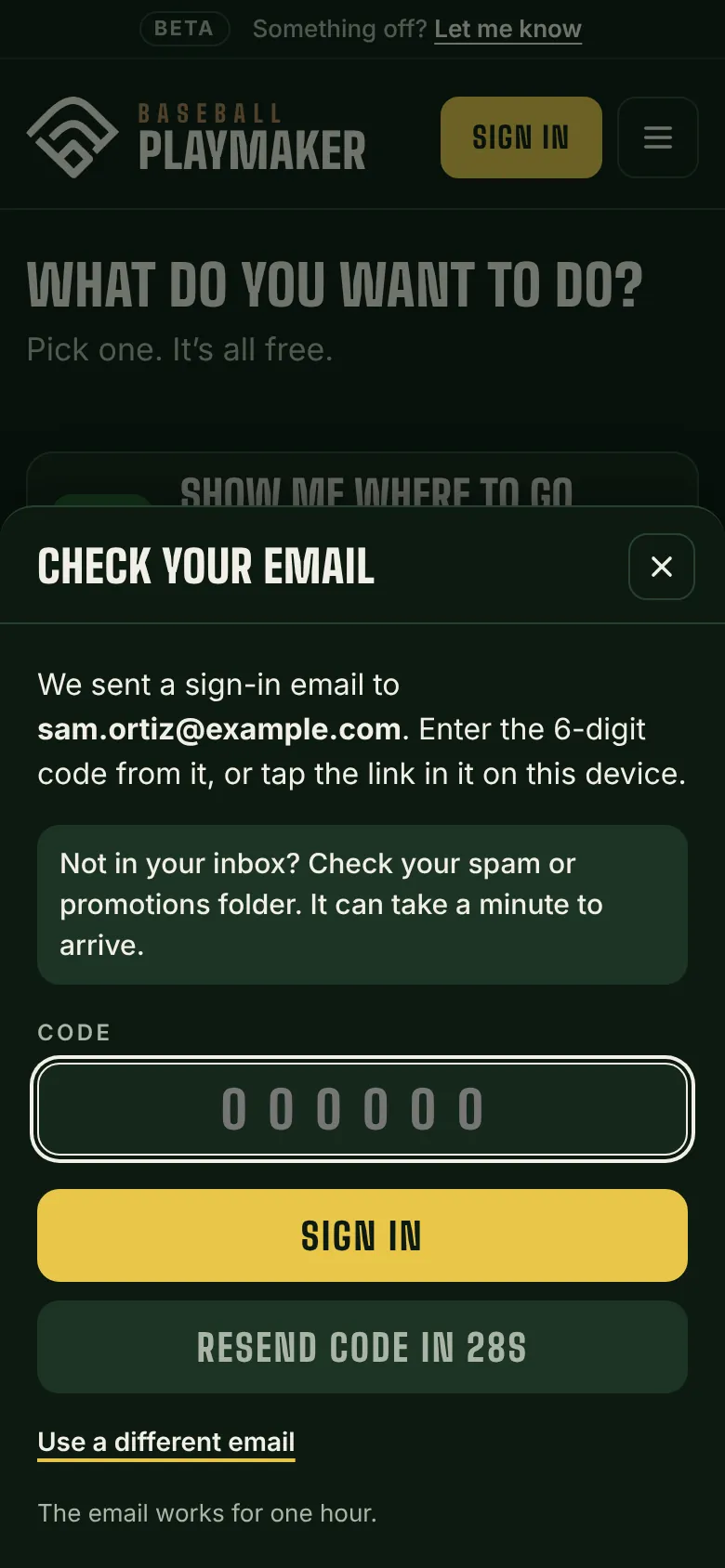
Step 4: Type the code from your email
We email you a 6-digit code. Type it in and tap Sign in. No password to remember. If it doesn’t show up, check your spam or promotions folder.
-
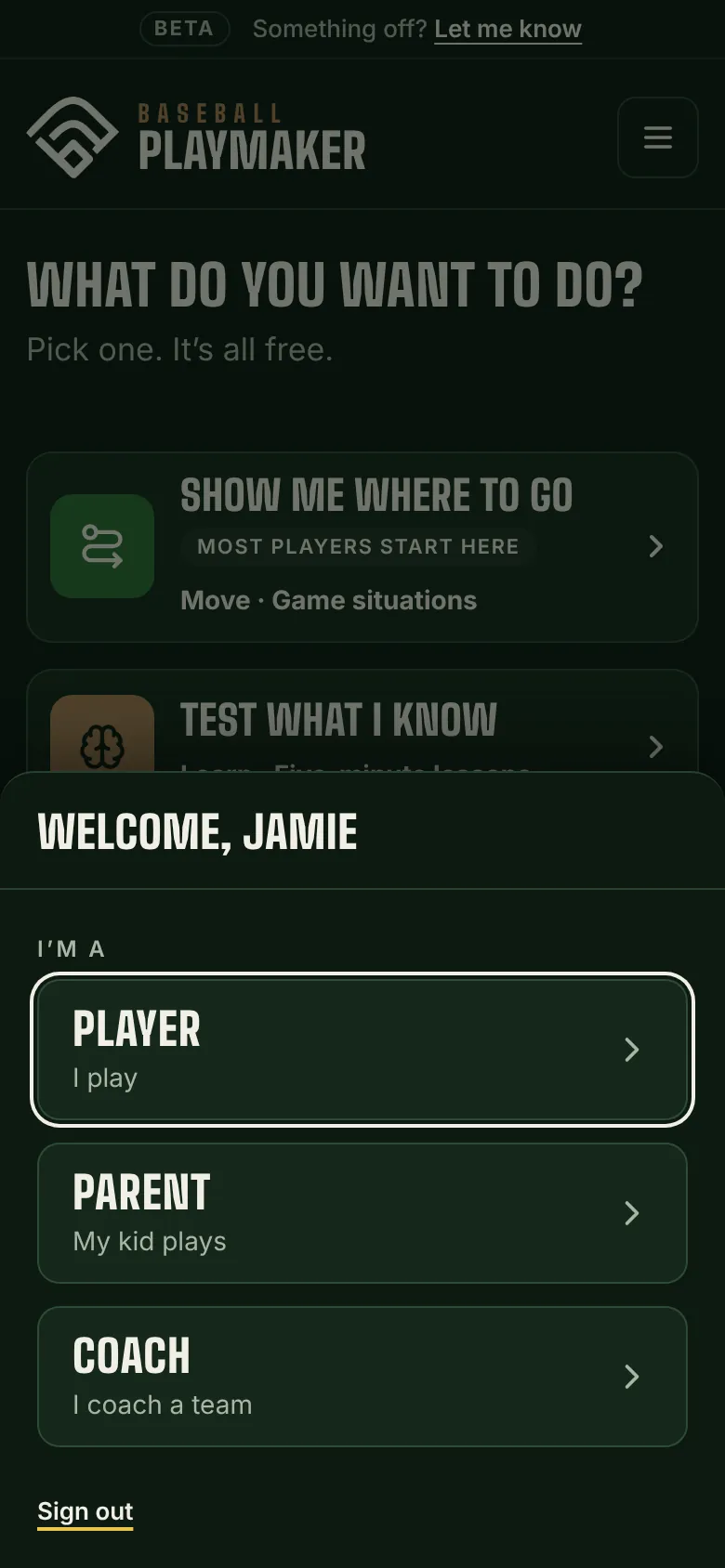
Step 5: Tell us who you are
Tap Player, Parent or Coach.
-
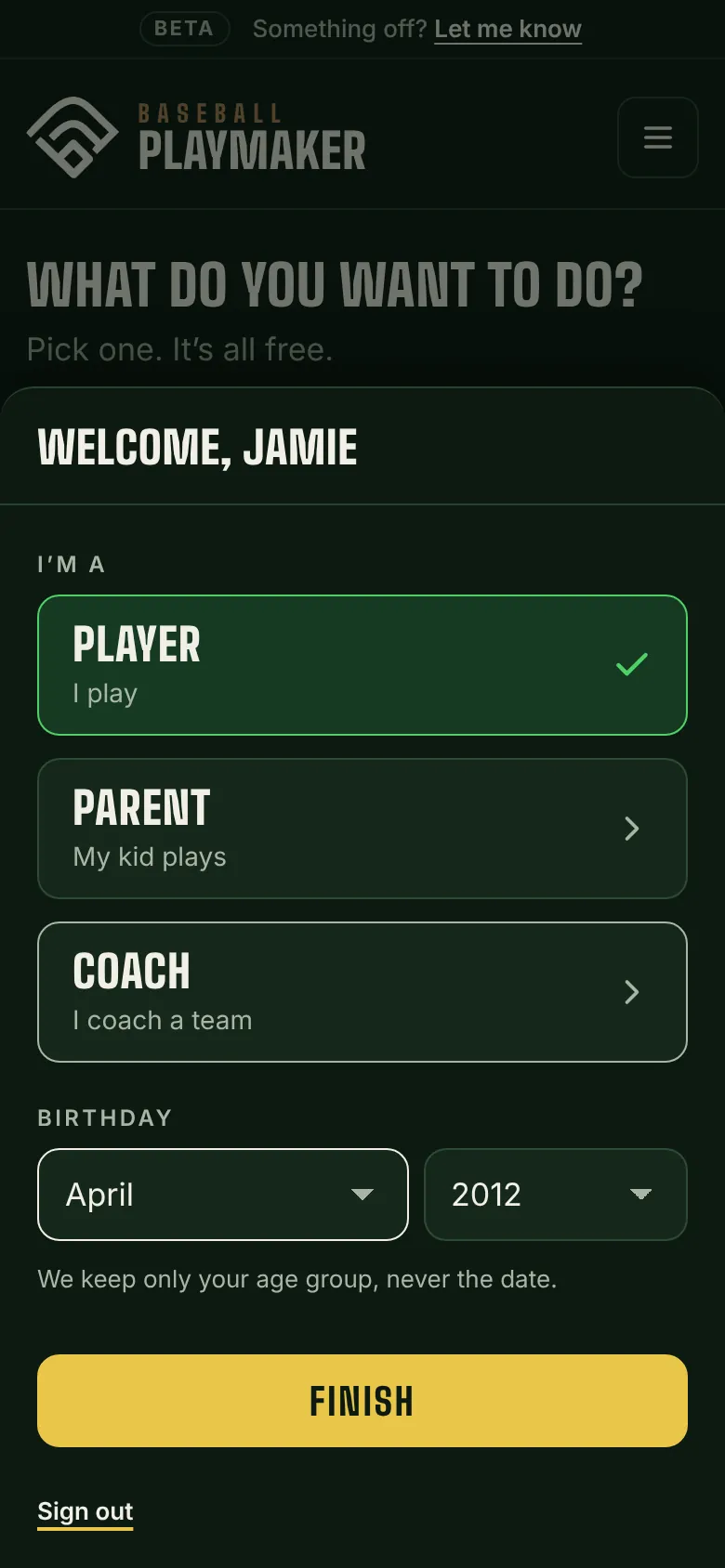
Step 6: Add your birth month and year
Players pick the month and year they were born. We keep only your age group, never the date. Tap Finish.
Good to know
- Playmaker is for players 13 and up. A younger player uses a parent’s account. See Let a younger player use your account.
- You can use Move, Learn, Play and Ask once each without an account.
Read more
More how-tos
- How do I join my team on Baseball Playmaker?Open the team link your coach sent and sign in. You’re on the team. No link? Type your team’s code in the app instead.
- How do Learn lessons and streaks work?Tap Start learning for today’s ten questions. Each answer tells you why, and finishing a lesson every day builds your streak.
- How do I learn where I go on every play?Open any play in Move, tap your position under Show jobs, and press Play. You light up on the field and your job is written out step by step.
Completely free
Make your account
Works in any phone or computer browser. Nothing to install.