For players
How do I join my team on Baseball Playmaker?
Open the team link your coach sent and sign in. You’re on the team. No link? Type your team’s code in the app instead.
-
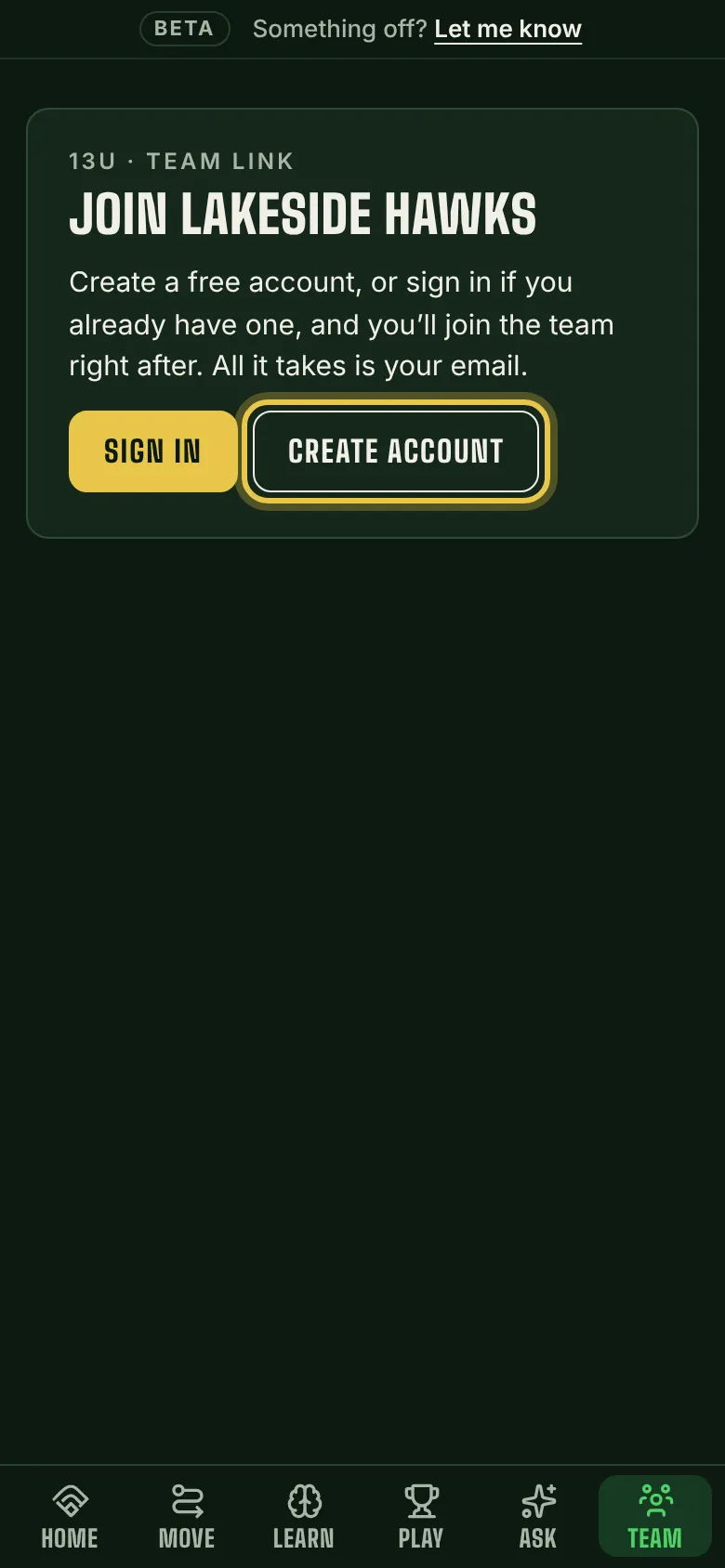
Step 1: Open your coach’s team link
Tap the link your coach sent. It opens your team’s card. Tap Create account (or Sign in if you have one).
-
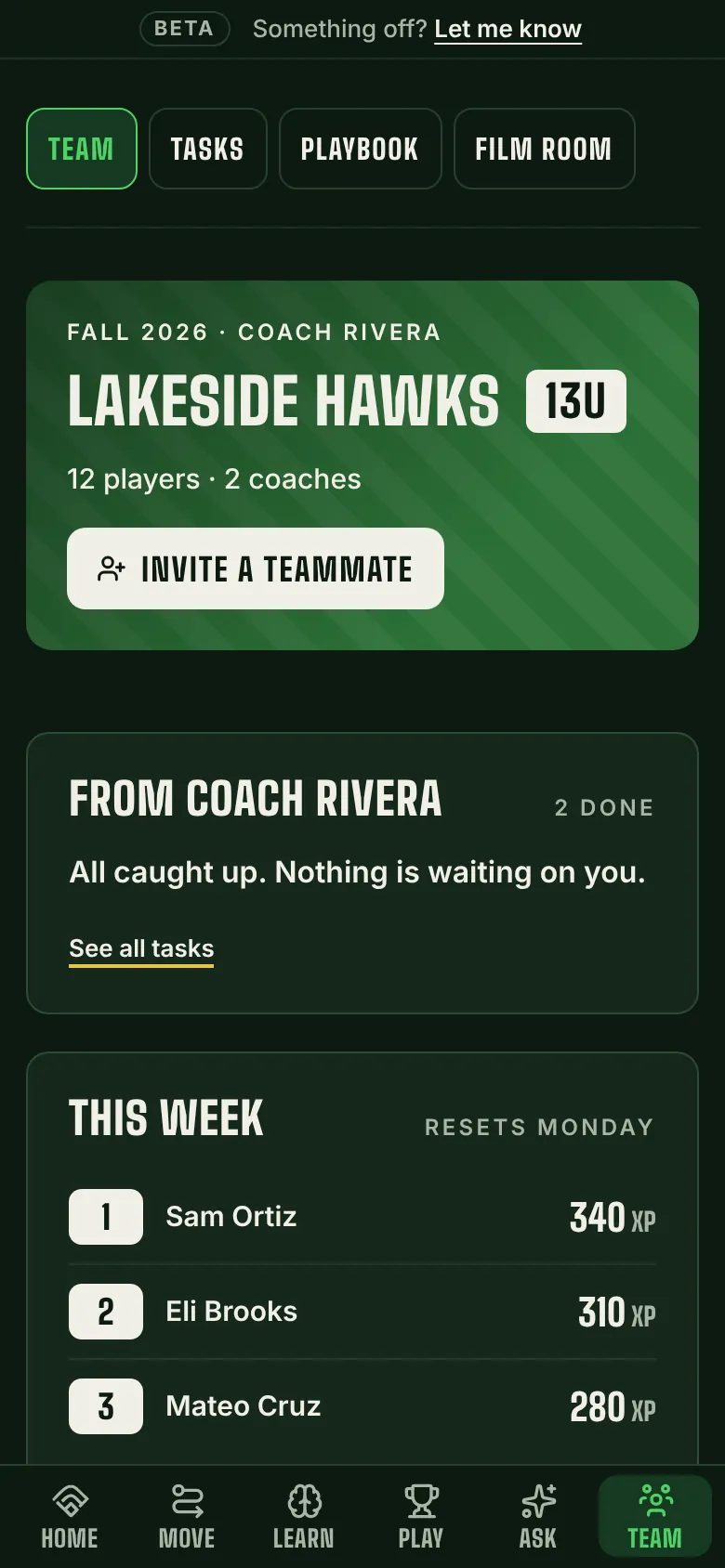
Step 2: You’re on the team
Once you’re in, you land on your team page: your coach’s tasks, the pinned clip, this week’s board and your teammates.
-
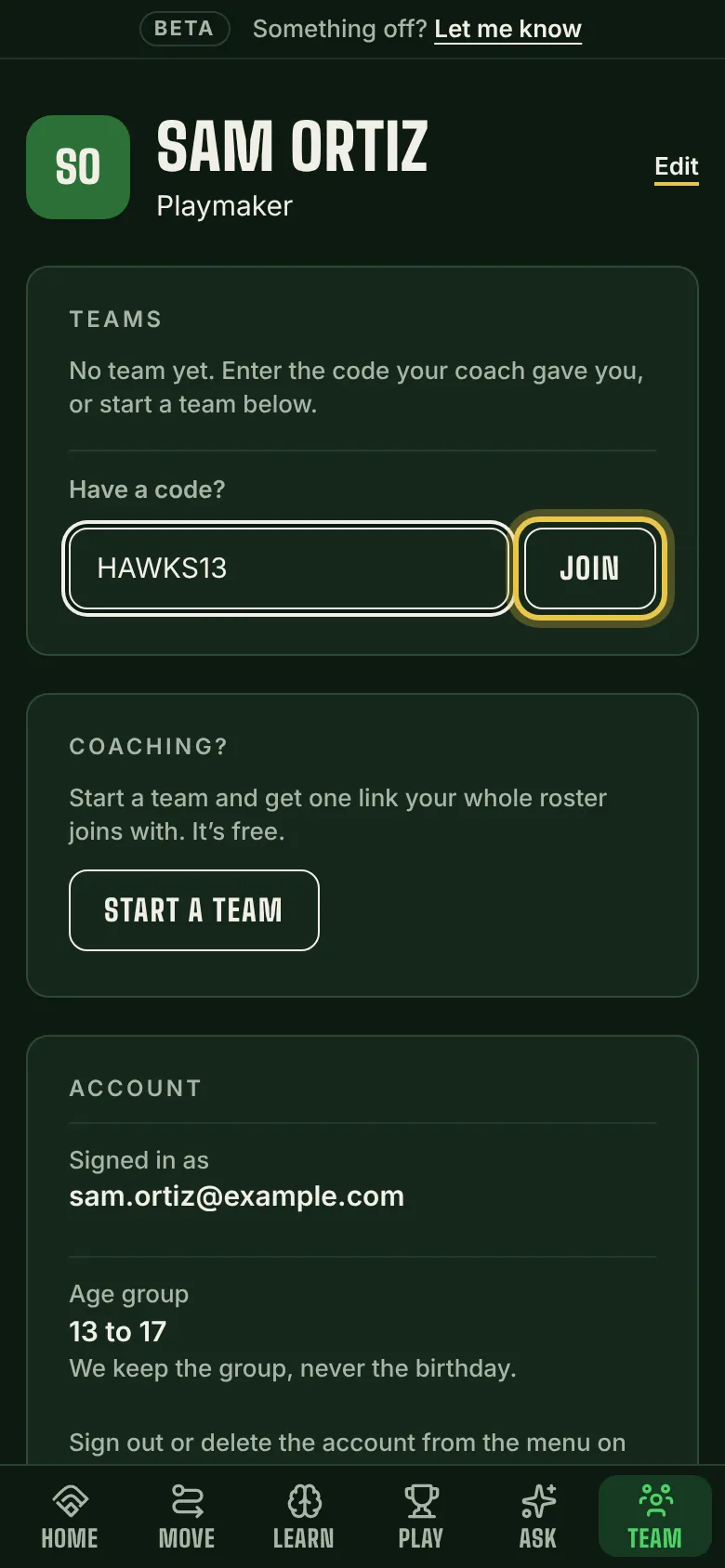
Step 3: Or type the team code
No link? Open the menu, tap Join a team or redeem a code, type the code your coach gave you and tap Join.
Good to know
- Joined as the wrong one (parent instead of player)? On the team page, tap Joined as the wrong one? Change it.
Read more
More how-tos
- How do I make a Baseball Playmaker account?Tap Sign in, then New account, and enter your name and email. Type the 6-digit code we email you, then tell us you’re a player and your birth month and year.
- How do I see what my coach assigned?Your team page shows what your coach assigned under From your coach. Do each one in the app (watch the play, finish the lesson, play the game) and it’s marked done.
- How do I invite a teammate?Tap Invite a teammate and send the link. Everyone on your team shows up on the weekly board, and the top three each week get their names up there.