For players
How do I see what my coach assigned?
Your team page shows what your coach assigned under From your coach. Do each one in the app (watch the play, finish the lesson, play the game) and it’s marked done.
-
Step 1: Open your team page
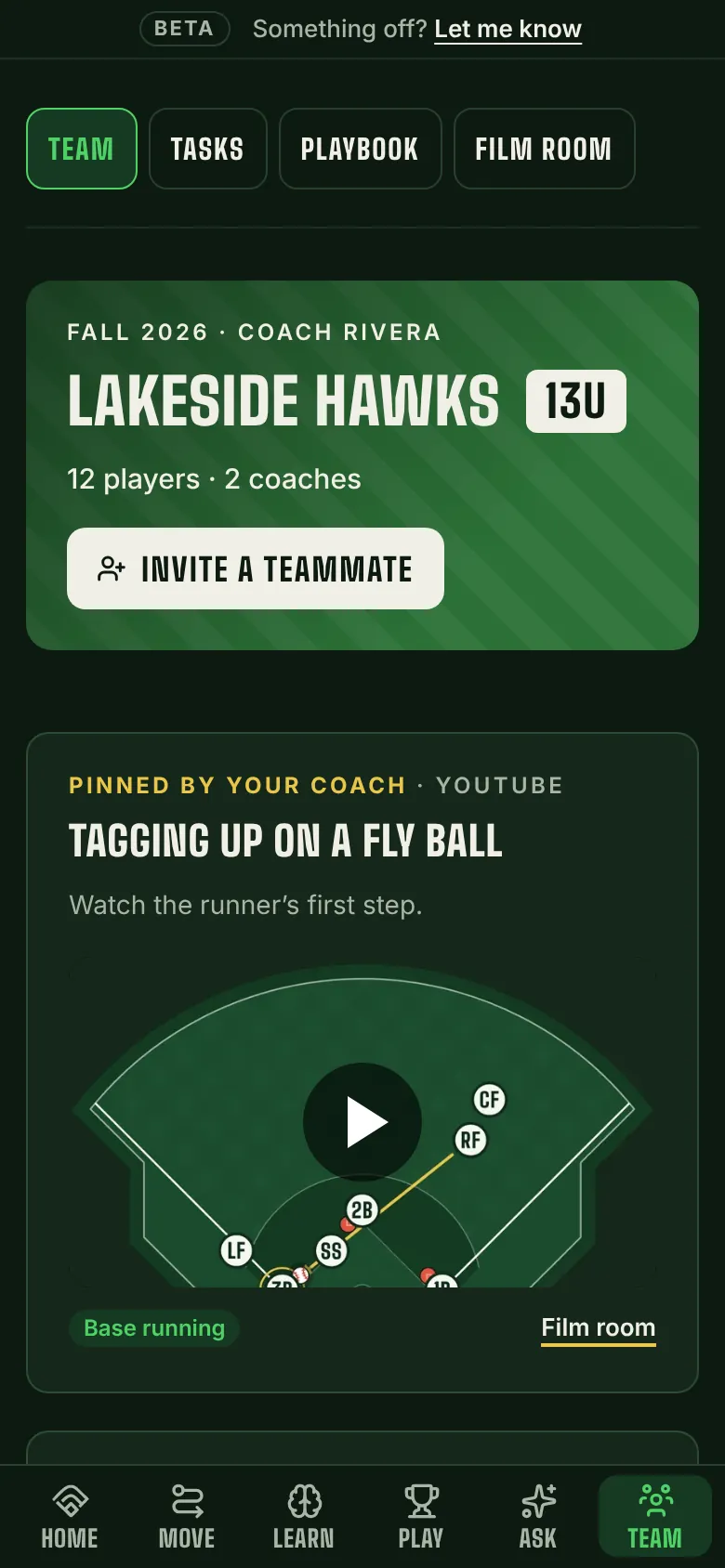
Tap Team. The clip your coach pinned is at the top; From your coach shows what’s due.
-
Step 2: Do each task
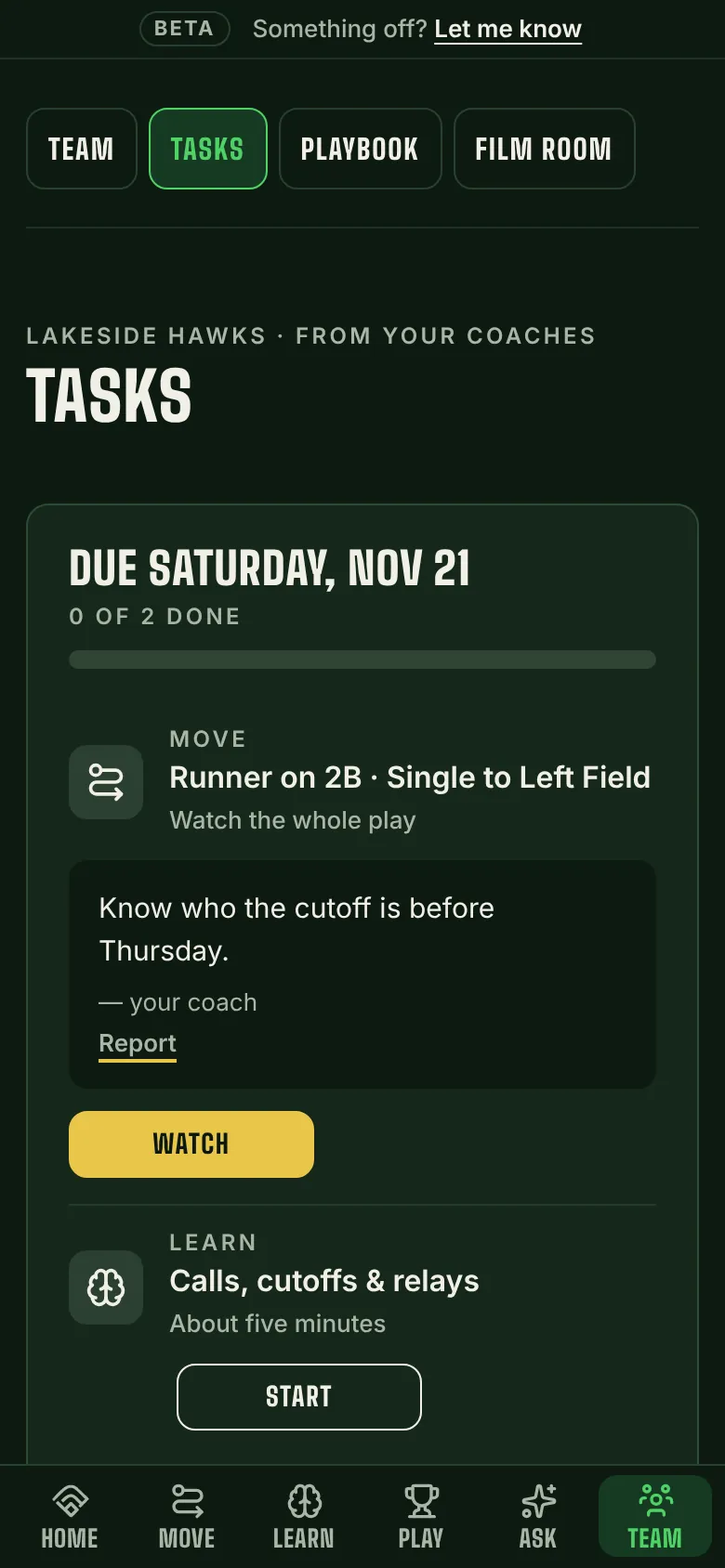
Tap Tasks to see everything by due date with your coach’s note. Tap a task’s button to do it: it opens the play, the lesson or the game. When you finish it in the app, it’s marked done by itself.
-
Step 3: Watch the team’s clips
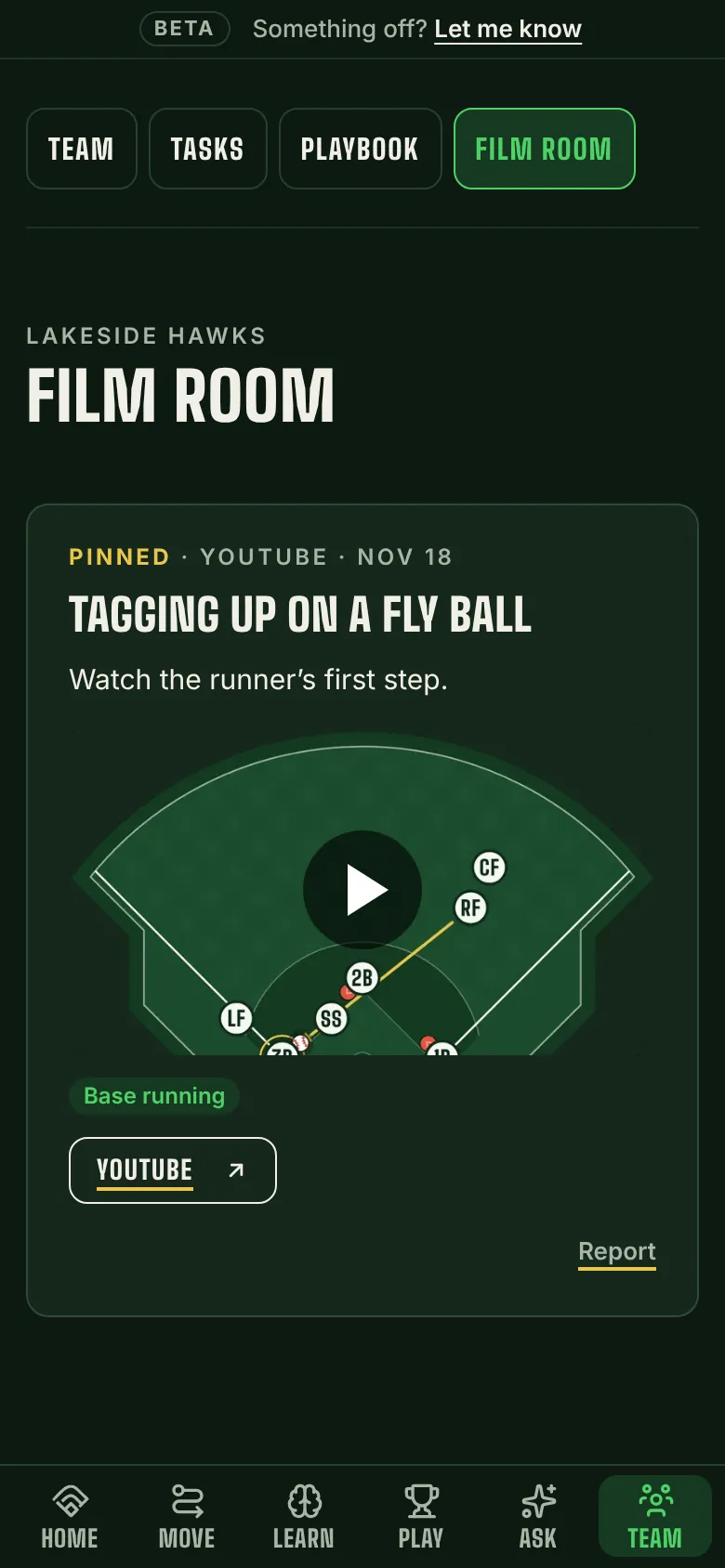
Film room has every clip your coach posted, ready to play.
Good to know
- Your coach sees who’s done each task. Your teammates don’t see yours.
More how-tos
- How do I join my team on Baseball Playmaker?Open the team link your coach sent and sign in. You’re on the team. No link? Type your team’s code in the app instead.
- How do I invite a teammate?Tap Invite a teammate and send the link. Everyone on your team shows up on the weekly board, and the top three each week get their names up there.
- How do I learn where I go on every play?Open any play in Move, tap your position under Show jobs, and press Play. You light up on the field and your job is written out step by step.
Completely free
Open your team page
Works in any phone or computer browser. Nothing to install.