For players
How do I invite a teammate?
Tap Invite a teammate and send the link. Everyone on your team shows up on the weekly board, and the top three each week get their names up there.
-
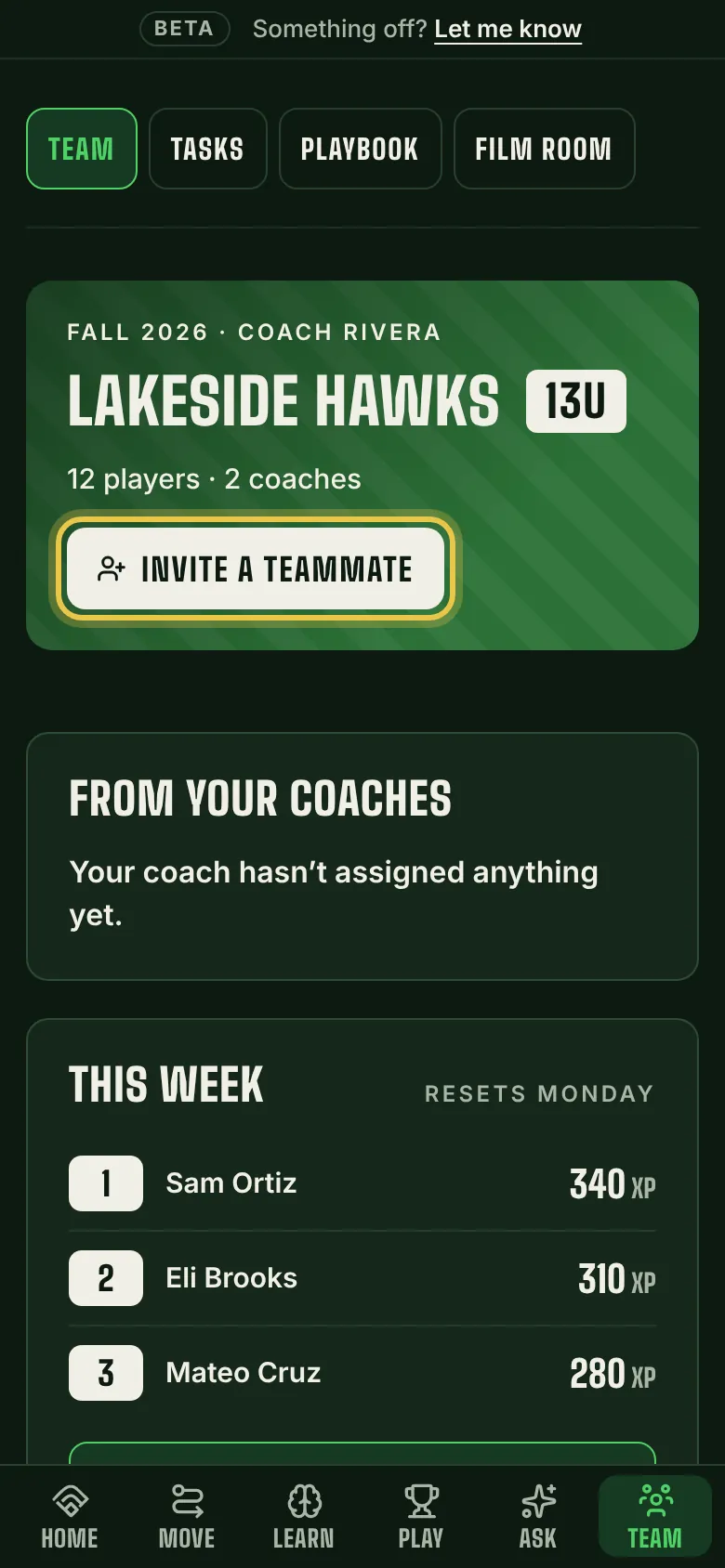
Step 1: Tap Invite a teammate
On your team page, tap Invite a teammate and send the link in a text. They open it, sign in, and they’re on your team.
-
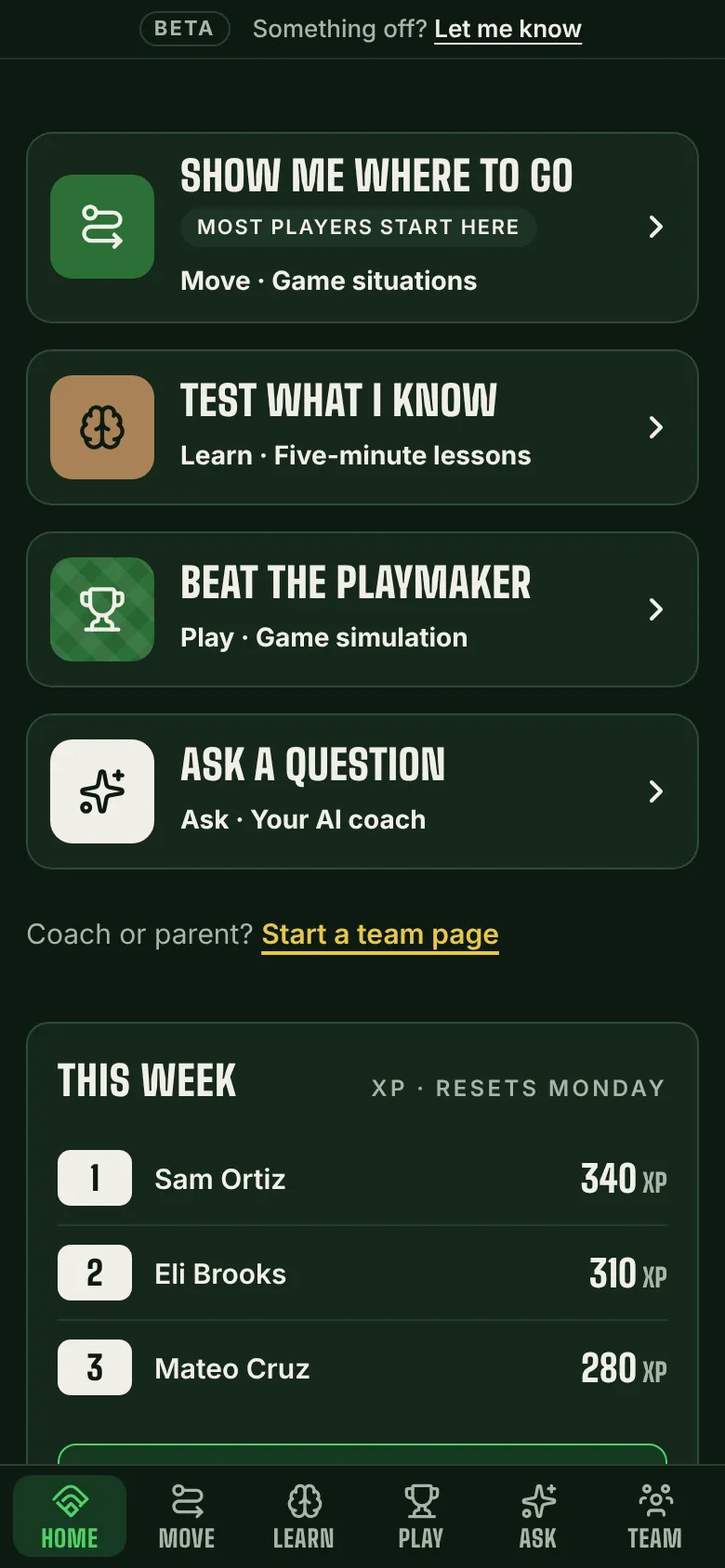
Step 2: Climb the weekly board
This week ranks your team by XP from lessons and games. The top three show for everyone; your own row shows wherever you are. It resets every Monday.
Good to know
- No team page yet? Show your coach the coaches page. A team page puts your whole team on the same plays.
Read more
More how-tos
- How do I join my team on Baseball Playmaker?Open the team link your coach sent and sign in. You’re on the team. No link? Type your team’s code in the app instead.
- How do Learn lessons and streaks work?Tap Start learning for today’s ten questions. Each answer tells you why, and finishing a lesson every day builds your streak.
- How do I play against the Playmaker?Open Play and tap Play ball. For three innings you make the call on every at-bat, and every call is graded Best, Fair or Wrong, with the reason why.
Completely free
Open your team page
Works in any phone or computer browser. Nothing to install.