For parents
How do I make a parent account and join my player’s team?
Make an account and choose Parent. Then open the team link from your player’s coach. You’ll see your own player’s tasks, and nobody else’s.
-
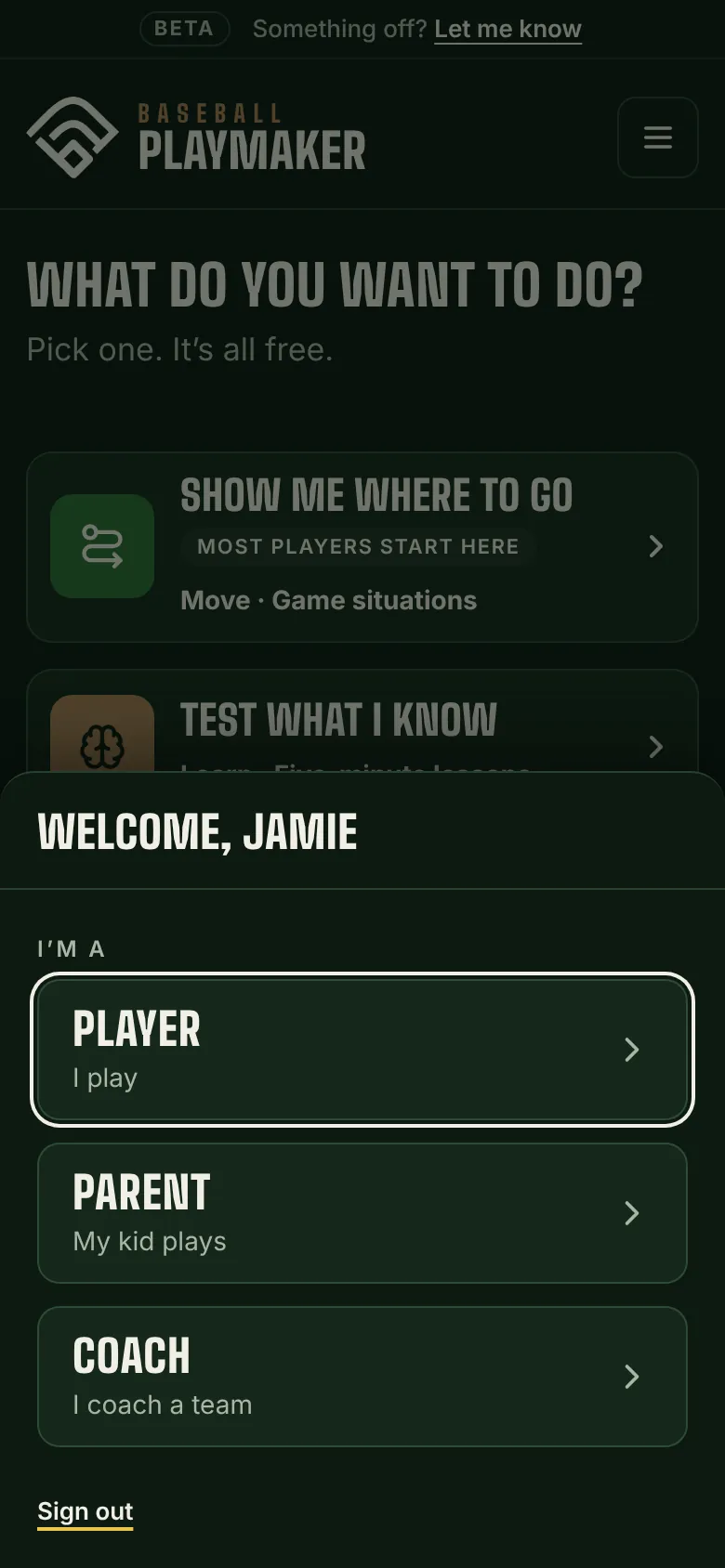
Step 1: Make your account and choose Parent
Sign up with your name and email (see Make your account), then tap Parent.
-
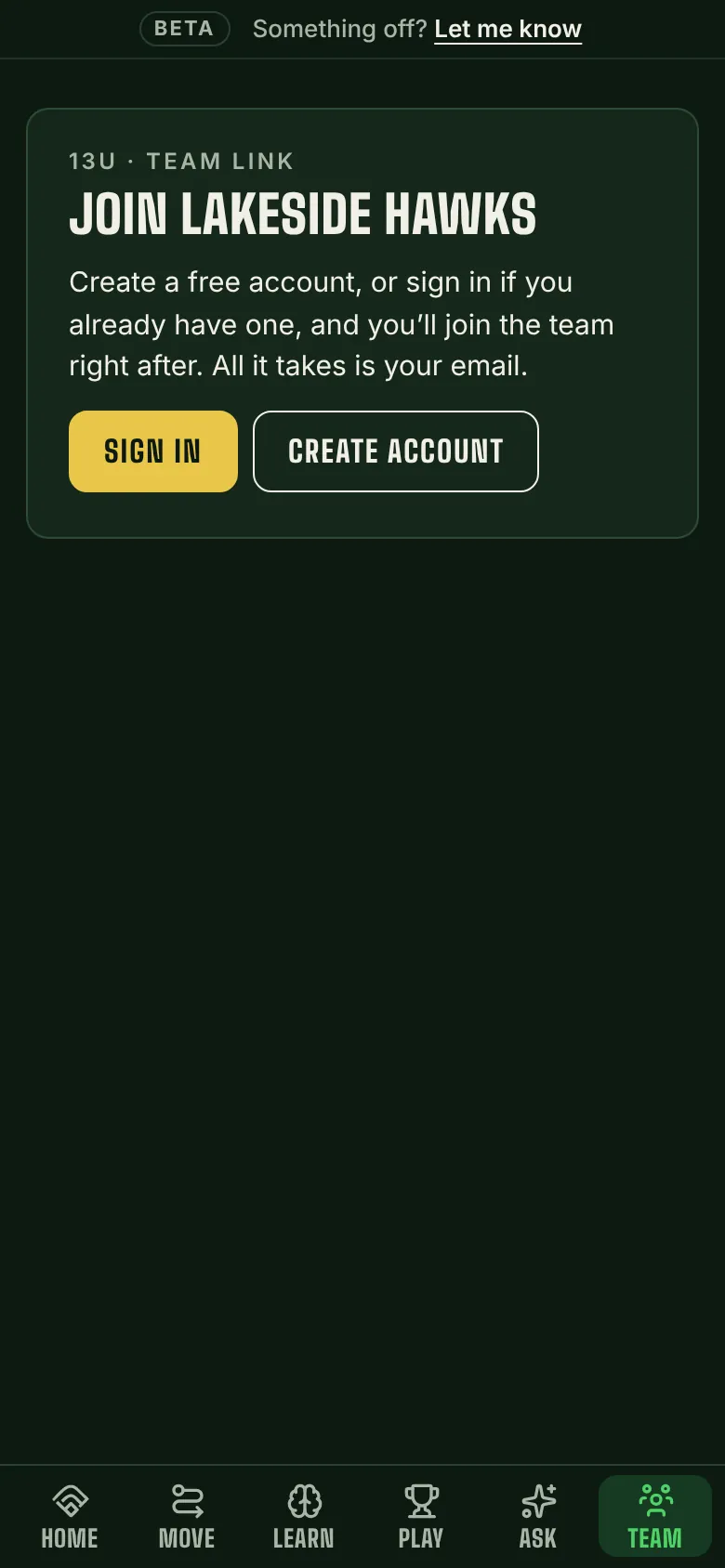
Step 2: Open the coach’s team link
Tap the link the coach sent and sign in. You’re on the team as a parent.
-
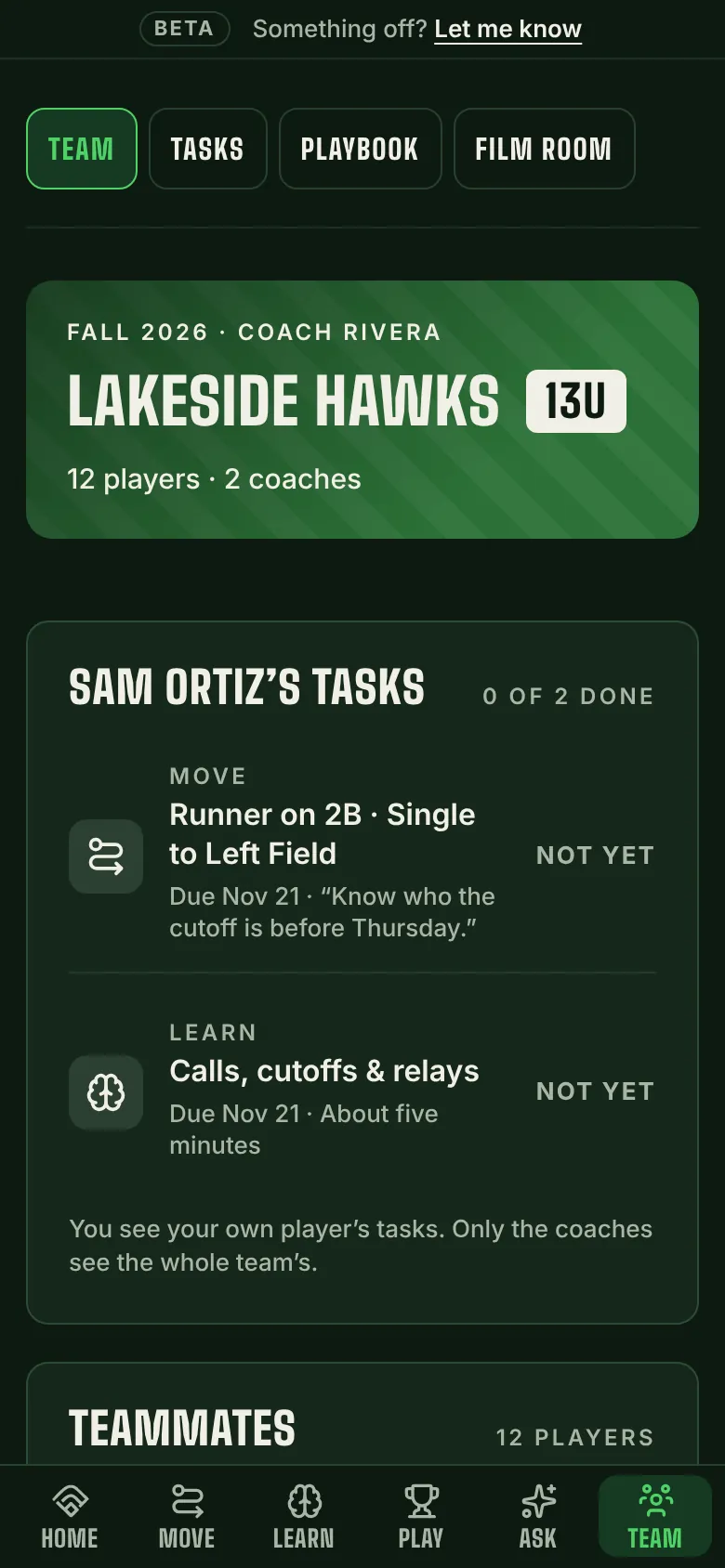
Step 3: See your player’s tasks
Your player’s tasks show on the team page, with whether each is done. Linked to the wrong player? Tap Not your player? Pick again.
Good to know
- Two parents can each link to the same player.
- Your player 13 or older gets his own account. Under 13, he uses yours.
Read more
More how-tos
- Can my child under 13 use Baseball Playmaker?Yes, on your account. Playmaker accounts are for 13 and up, so a younger player plays signed in as you, and the account becomes his when he turns 13.
- How do I give my account to my player when he turns 13?On your profile, tap Hand this account to my player, enter his email and birthday, and type the code we send him. His progress, streak and team stay with the account.
- How do I join my team on Baseball Playmaker?Open the team link your coach sent and sign in. You’re on the team. No link? Type your team’s code in the app instead.
Completely free
Make your account
Works in any phone or computer browser. Nothing to install.