For coaches
How do I build my team playbook?
Your Playbook holds two things: handbook pages (your signs, rules and how you run things) and the plays you made your own. Players read both on the team page.
-
Step 1: Open the Playbook
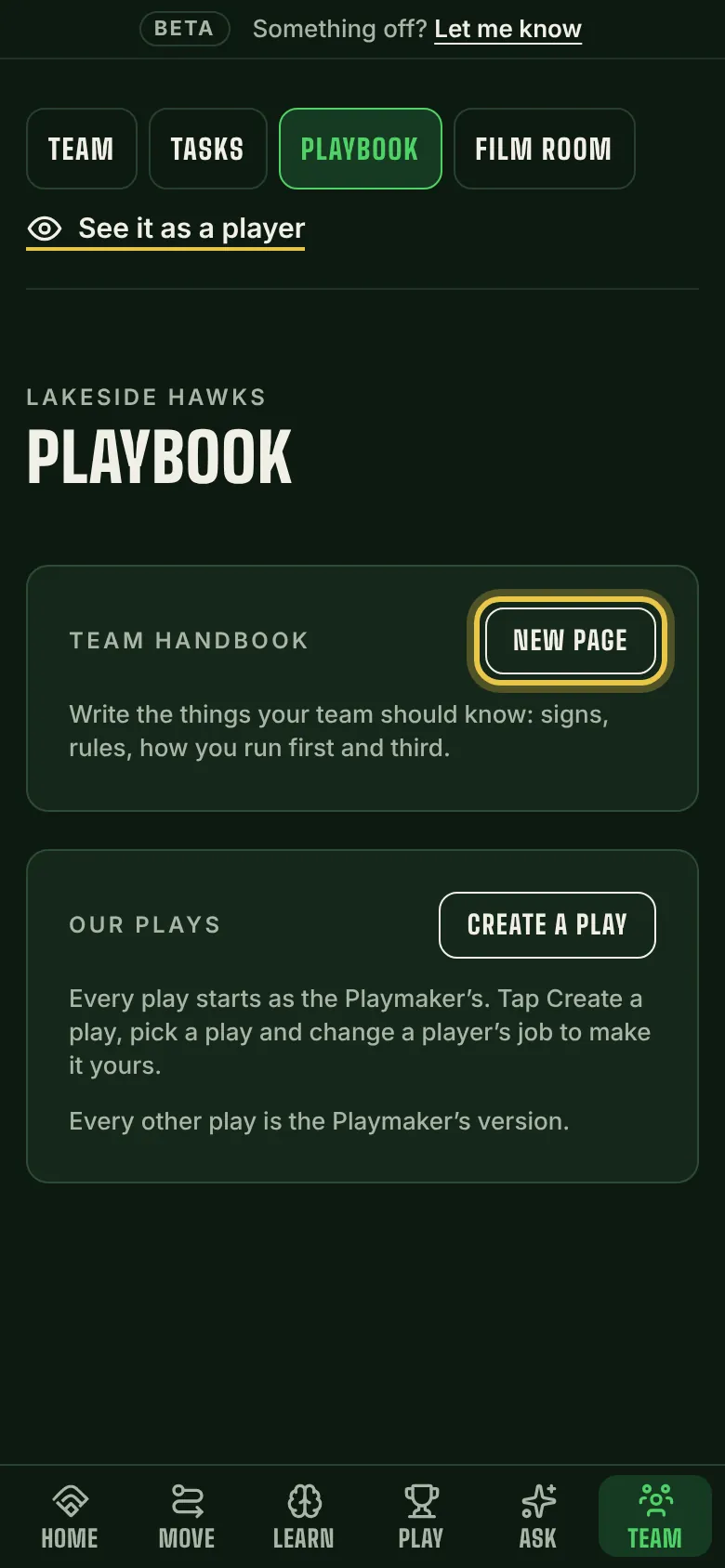
On your team page, tap Playbook. The Team handbook is at the top; Our plays is under it.
-
Step 2: Write a handbook page
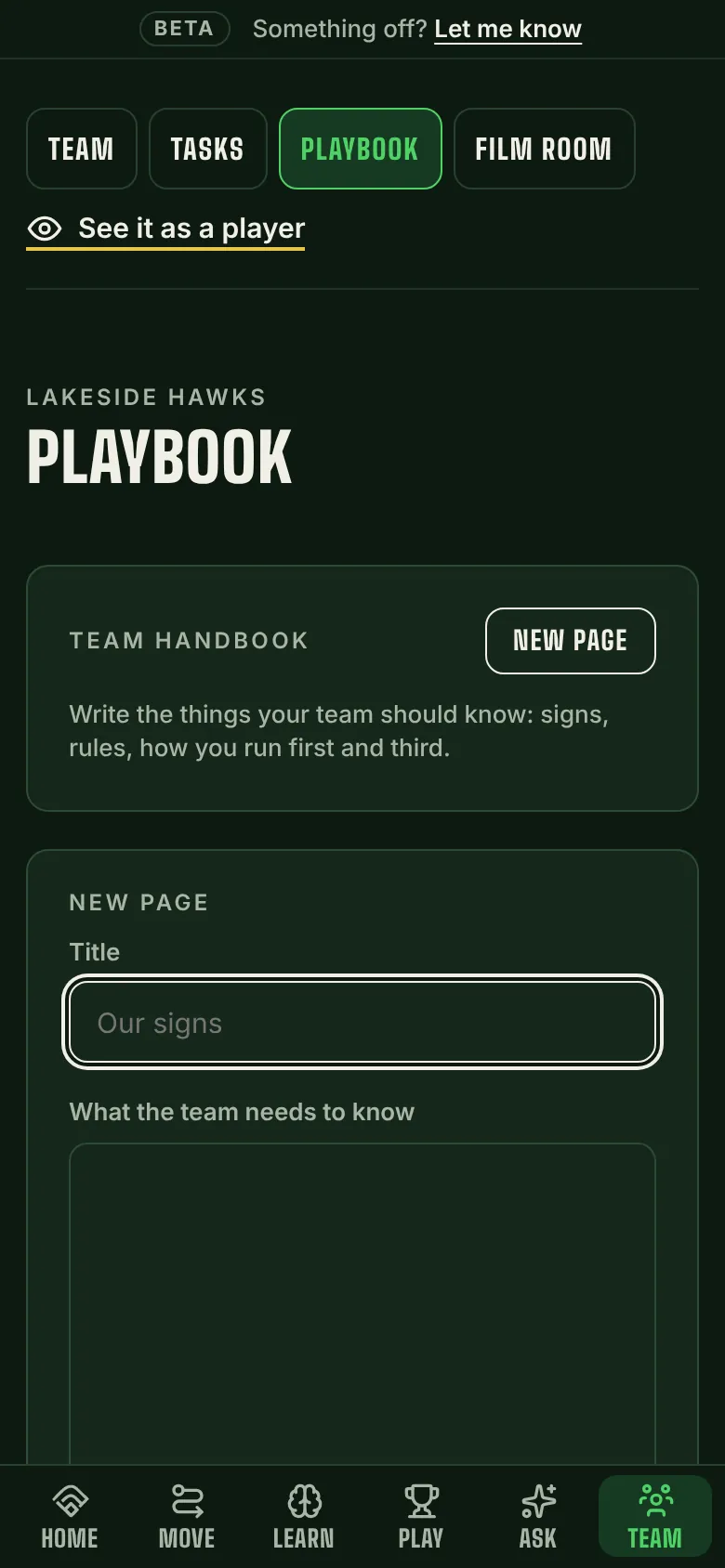
Tap New page, give it a title (“Our signs”, “How we run first and third”) and write what the team should know. Tap Save. Players see each page and tap Got it once they’ve read it.
-
Step 3: Add your plays
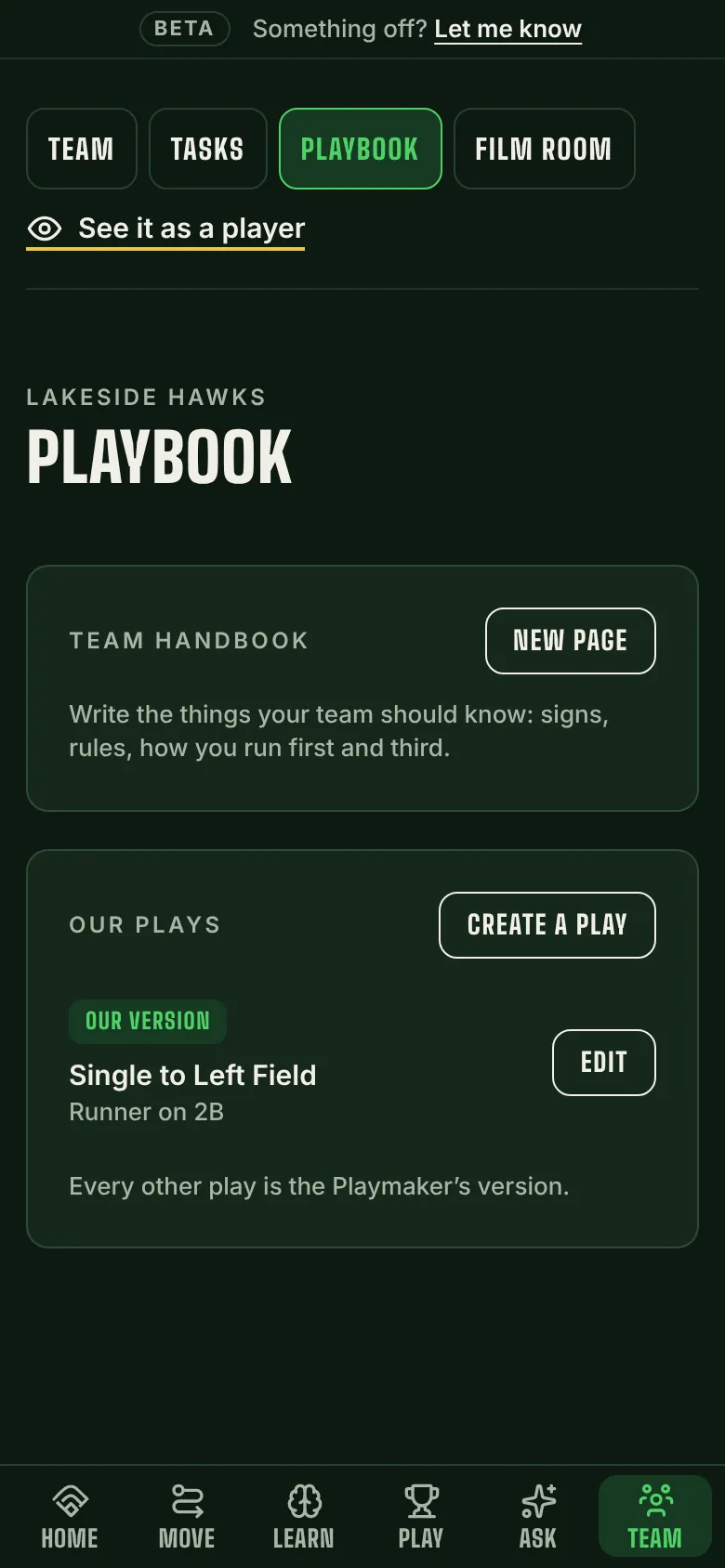
Under Our plays, tap Create a play to change a play to the way you run it. Each one you save is listed with Our version, and you can edit it any time.
Good to know
- Keep pages short. One topic per page reads better on a phone.
- Every play you haven’t changed stays the Playmaker’s, so the book is complete from day one.
More how-tos
- How do I make a play my own?In your team’s Playbook, tap Create a play, set the scene, and say what your team does differently. Playmaker redraws every changed job, and your players see your version.
- How do I assign work to my team before practice?On your team page, tap New task, pick what it is (a play, a lesson, a game, a question or a clip), set a due date and add a note. It goes on every player’s start page.
- How do I see what my team gets wrong?Your team page shows the Learn questions your players miss most and when each player was last active. Tap Assign it to turn a miss into this week’s lesson.
Completely free
Open your team page
Works in any phone or computer browser. Nothing to install.